

The Best Motherboards (2026)
Your motherboard decides which processor and memory you can use, how many fast SSDs you can fit and how your PC connects to the world. These are the best motherboards for AMD Ryzen and Intel Core builds in the UK right now.
Our picks at a glance
| Product | Award | Score | |
|---|---|---|---|
| MSI MAG B850 Tomahawk MAX WiFi II | Best Overall | 9.0/10 | Amazon → |
| ASUS ROG Strix X870E-E Gaming WiFi | Best High-End | 9.0/10 | Amazon → |
| Gigabyte B850 Aorus Elite WiFi7 | Best Value | 8.5/10 | Amazon → |
| ASUS TUF Gaming B850-Plus WiFi | Most Durable | 8.5/10 | Amazon → |
| ASRock B850M Pro RS WiFi | Best Budget | 8.0/10 | Amazon → |
| MSI MAG X870 Tomahawk WiFi | Best with USB4 | 8.5/10 | Amazon → |
| ASUS ROG Strix B850-I Gaming WiFi | Best Mini-ITX | 8.5/10 | Amazon → |
| MSI MAG Z890 Tomahawk WiFi | Best for Intel | 8.5/10 | Amazon → |
| Gigabyte B860M Aorus Elite WiFi6E | Best Budget Intel | 8.0/10 | Amazon → |
| MSI PRO B760M-A WiFi DDR4 II | Best DDR4 Upgrade | 7.0/10 | Amazon → |
 #1
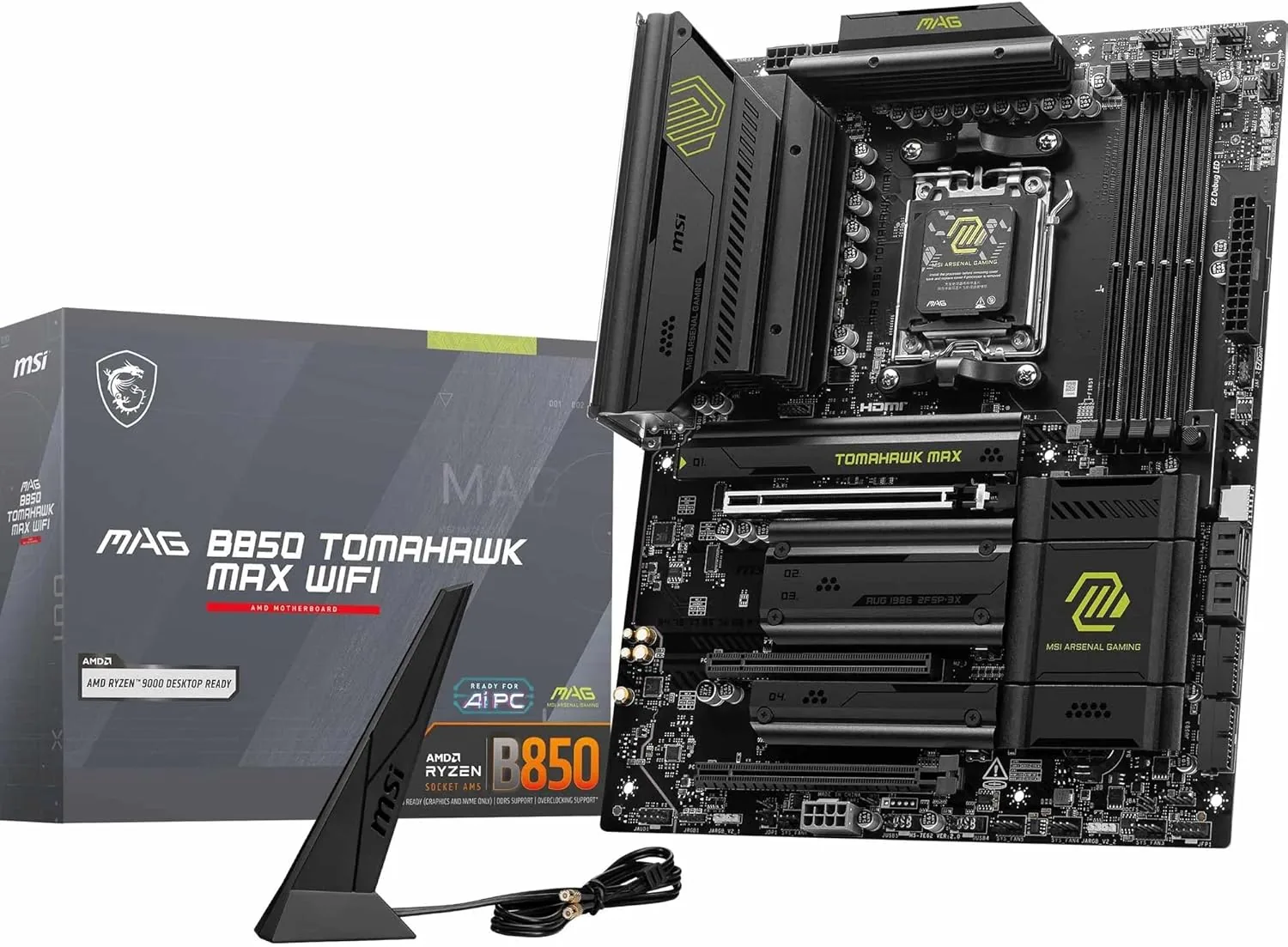
#11. MSI MAG B850 Tomahawk MAX WiFi II
Best for: Most Ryzen 7000 and 9000 gaming builds · Price: Mid-range
The B850 Tomahawk MAX WiFi II gives you almost everything a high-end board offers for a mid-range price: strong power delivery, four M.2 slots, 5Gb Ethernet and Wi-Fi 7, now with a bigger 64MB BIOS chip and MSI's OC Engine. It's the AM5 board we'd put in most gaming PCs.
| Socket | AMD AM5 |
|---|---|
| Chipset | AMD B850 |
| Form factor | ATX |
| Memory | 4x DDR5, up to 256GB, up to 8,400MT/s (OC) |
| Power delivery | 14+2+1 phases, 80A smart power stages |
| Graphics slot | PCIe 5.0 x16 |
| M.2 slots | 4 (two PCIe 5.0, two PCIe 4.0) |
| Networking | 5Gb Ethernet (Realtek 8126), Wi-Fi 7, Bluetooth 5.4 |
| Audio | Realtek ALC4080 |
| BIOS | 64MB BIOS chip, Flash BIOS button |
| Overclocking | OC Engine external clock generator |
Pros
- Excellent power delivery handles any Ryzen chip
- Four M.2 slots, two of them PCIe 5.0
- 5Gb Ethernet and Wi-Fi 7
- 64MB BIOS chip ready for future Ryzen processors
Cons
- No USB4 ports
- Plain looks with little RGB
- Costs a little more than the original MAX WiFi, which is almost identical
 #2
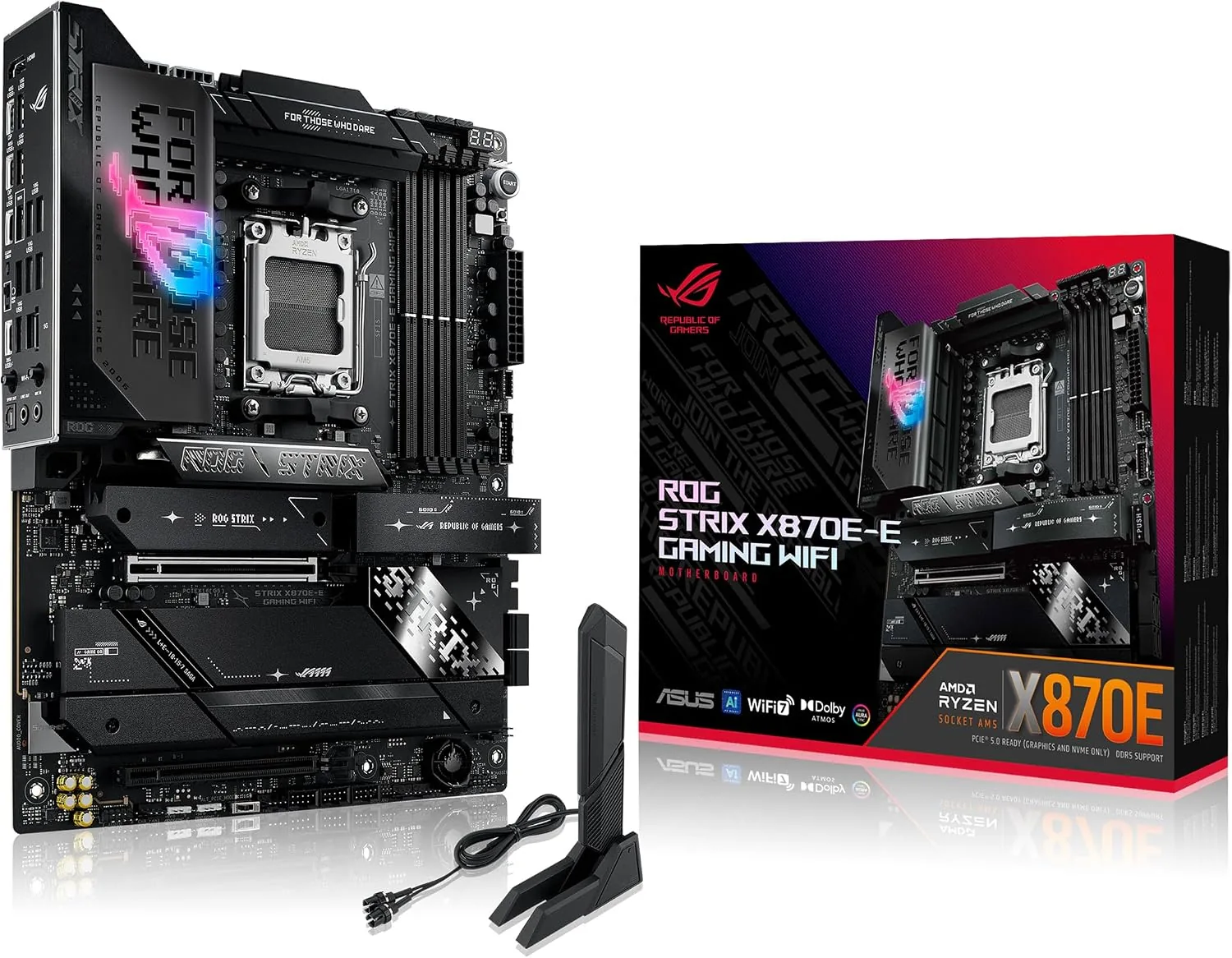
#22. ASUS ROG Strix X870E-E Gaming WiFi
Best for: High-end Ryzen 9 builds and enthusiasts · Price: High-end
The ROG Strix X870E-E is a premium AM5 board with huge power delivery, five M.2 slots including three PCIe 5.0, two USB4 ports and a superb BIOS. It's built for high-end Ryzen 9 builds that use every connection.
| Socket | AMD AM5 |
|---|---|
| Chipset | AMD X870E |
| Form factor | ATX |
| Memory | 4x DDR5, up to 8,400MT/s (OC) |
| Power delivery | 18+2+2 phases, 110A power stages |
| Graphics slot | PCIe 5.0 x16 |
| M.2 slots | 5 (three PCIe 5.0) |
| USB4 | 2x 40Gbps USB-C |
| Networking | 5Gb Ethernet, Wi-Fi 7, Bluetooth |
| Extras | Debug display, AI overclocking tools, front-panel USB-C fast charging |
Pros
- Massive power delivery for Ryzen 9
- Five M.2 slots, three of them PCIe 5.0
- Two USB4 ports and loads of USB
- Excellent BIOS and tuning tools
Cons
- Expensive
- Overkill for most gaming PCs
- Large heatsinks can crowd big air coolers
 #3
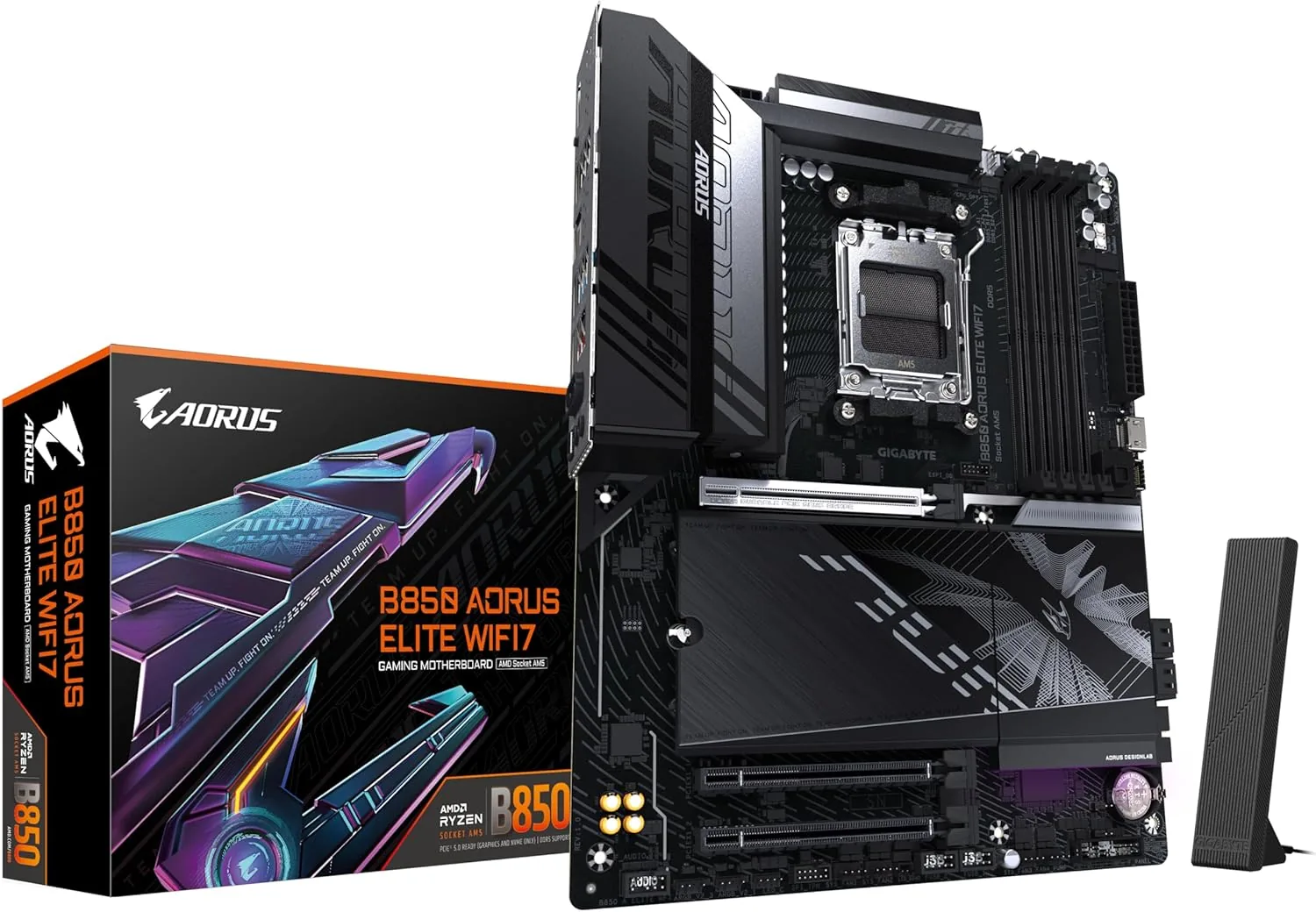
#33. Gigabyte B850 Aorus Elite WiFi7
Best for: Mid-range AM5 gaming builds · Price: Mid-range
Gigabyte's B850 Aorus Elite WiFi7 covers everything most builders need at a very fair price: solid power delivery, three M.2 slots including PCIe 5.0, Wi-Fi 7 and Gigabyte's handy tool-free build features.
| Socket | AMD AM5 |
|---|---|
| Chipset | AMD B850 |
| Form factor | ATX |
| Memory | 4x DDR5, up to 256GB, up to 8,200MT/s (OC) |
| Power delivery | Digital twin VRM with large heatsinks |
| Graphics slot | PCIe 5.0 x16 |
| M.2 slots | 3 (one PCIe 5.0, two PCIe 4.0) |
| Networking | 2.5Gb Ethernet, Wi-Fi 7, Bluetooth 5.4 |
| Build features | EZ-Latch for M.2 and graphics card |
| Colours | Black, or white (ICE version) |
Pros
- Great value for the features
- PCIe 5.0 for graphics and storage
- Wi-Fi 7 with a directional antenna
- Tool-free EZ-Latch design
Cons
- Only one PCIe 5.0 M.2 slot
- 2.5Gb Ethernet rather than 5Gb
- No USB4
 #4
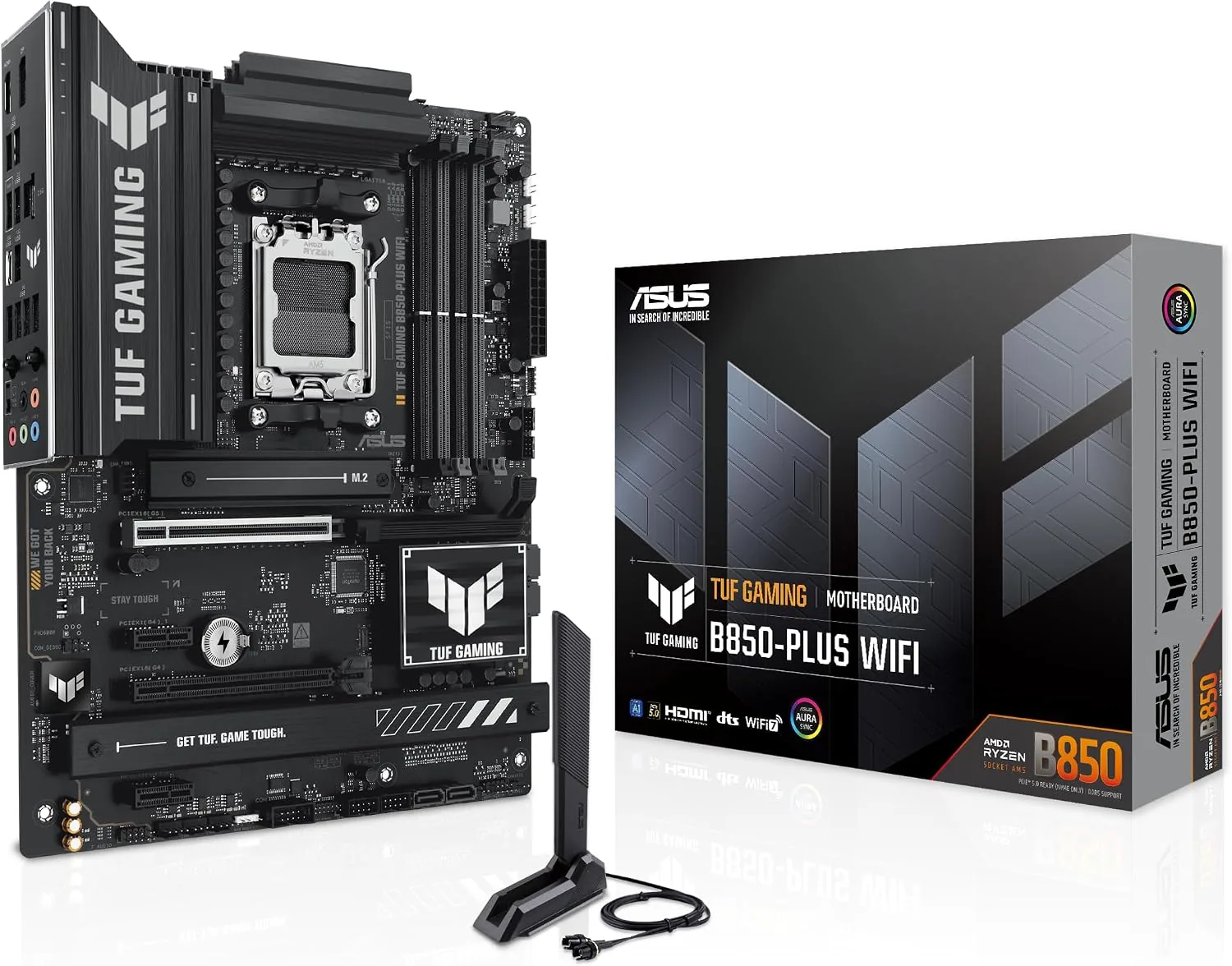
#44. ASUS TUF Gaming B850-Plus WiFi
Best for: Reliable, long-lasting AM5 builds · Price: Mid-range
ASUS's TUF Gaming B850-Plus WiFi is built for reliability, with military-grade components, a robust 14+2+1 power design and ASUS's easy-to-use BIOS. It's a dependable foundation for a long-lasting AM5 PC.
| Socket | AMD AM5 |
|---|---|
| Chipset | AMD B850 |
| Form factor | ATX |
| Memory | 4x DDR5, up to 8,000MT/s (OC) |
| Power delivery | 14+2+1 phases, 80A power stages |
| Graphics slot | PCIe 5.0 x16 |
| M.2 slots | 3 |
| Networking | 2.5Gb Ethernet, Wi-Fi 7, Bluetooth 5.4 |
| Rear USB-C | 20Gbps and 10Gbps |
| Video outputs | HDMI, DisplayPort |
Pros
- Robust 14+2+1 power delivery
- TUF components built for longevity
- ASUS's clear, easy BIOS
- Fast 20Gbps USB-C
Cons
- 2.5Gb Ethernet rather than 5Gb
- Only three M.2 slots
- Military styling won't suit every build
 #5
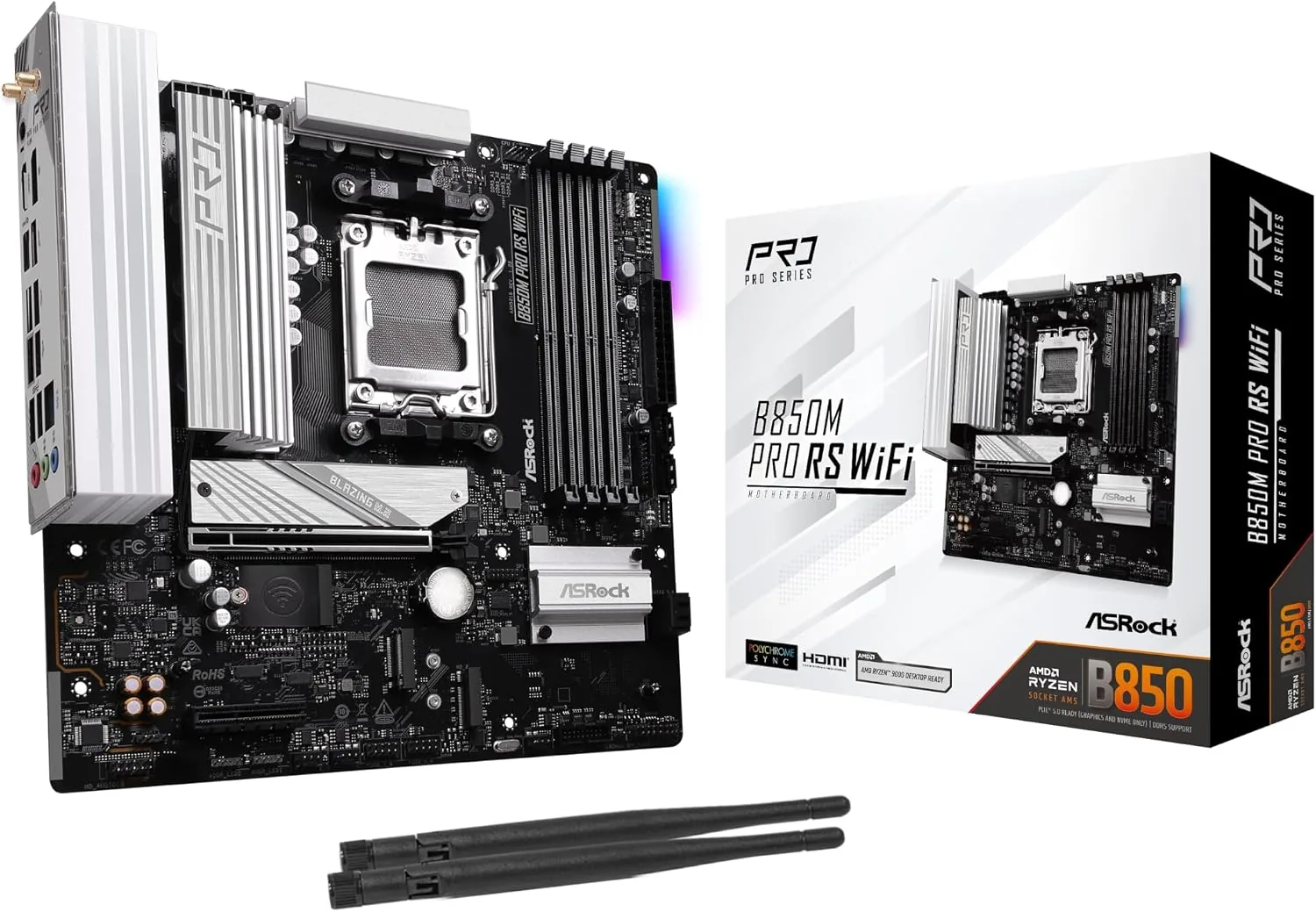
#55. ASRock B850M Pro RS WiFi
Best for: Budget AM5 gaming builds · Price: Budget
The ASRock B850M Pro RS WiFi is one of the cheapest ways onto AM5 without cutting important corners. It has PCIe 5.0 storage, three M.2 slots, Wi-Fi 6E and enough power for mainstream Ryzen chips in a compact Micro-ATX size.
| Socket | AMD AM5 |
|---|---|
| Chipset | AMD B850 |
| Form factor | Micro-ATX |
| Memory | 4x DDR5, up to 8,000MT/s (OC) |
| Power delivery | 8+2+1 phases, Dr.MOS |
| Expansion slots | PCIe 5.0 x16, PCIe 4.0 x4 |
| M.2 slots | 3 (main slot PCIe 5.0) |
| Networking | 2.5Gb Ethernet, Wi-Fi 6E, Bluetooth 5.2 |
| Colours | Black or white |
Pros
- Very affordable route onto AM5
- PCIe 5.0 graphics and M.2
- Three M.2 slots
- Wi-Fi included
Cons
- Lighter power delivery than mid-range boards
- Wi-Fi 6E rather than Wi-Fi 7
- Using the third M.2 slot disables the second PCIe slot
 #6
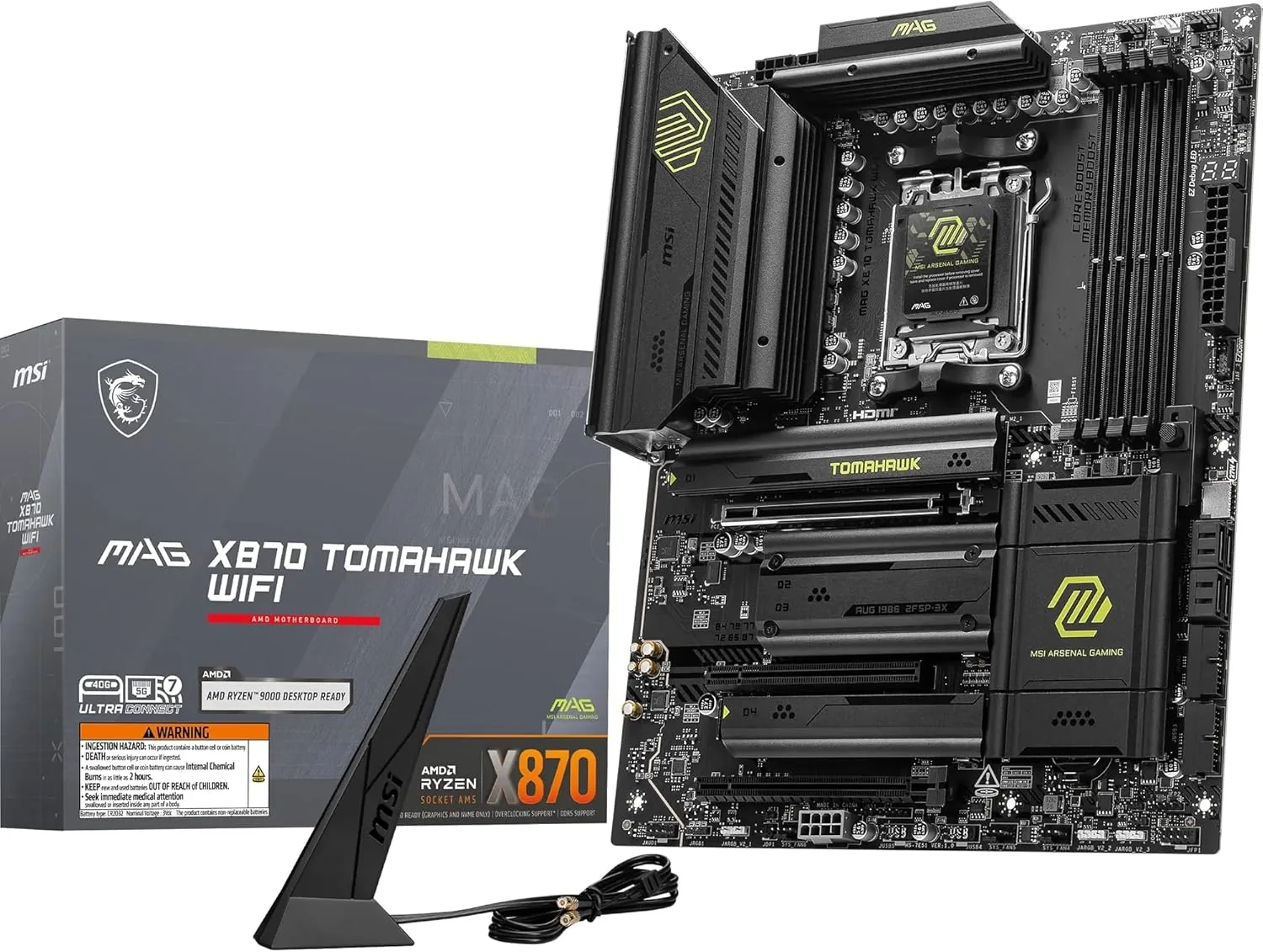
#66. MSI MAG X870 Tomahawk WiFi
Best for: AM5 builds that need USB4 · Price: Upper mid-range
The X870 Tomahawk adds USB4 and more PCIe 5.0 bandwidth to the Tomahawk formula. It's the board to pick if you want 40Gbps USB-C for fast external drives, docks and displays without paying for an X870E flagship.
| Socket | AMD AM5 |
|---|---|
| Chipset | AMD X870 |
| Form factor | ATX |
| Memory | 4x DDR5, up to 256GB |
| Graphics slot | PCIe 5.0 x16 |
| M.2 slots | 4 (two PCIe 5.0, two PCIe 4.0) |
| USB4 | 40Gbps USB-C with display output |
| Networking | 5Gb Ethernet (Realtek 8126), Wi-Fi 7, Bluetooth 5.4 |
| Video outputs | HDMI, USB4 |
Pros
- USB4 for fast external storage and docks
- Two PCIe 5.0 M.2 slots
- 5Gb Ethernet and Wi-Fi 7
- Strong Tomahawk build quality
Cons
- Costs more than the B850 Tomahawk for USB4
- Most gamers won't need USB4
 #7
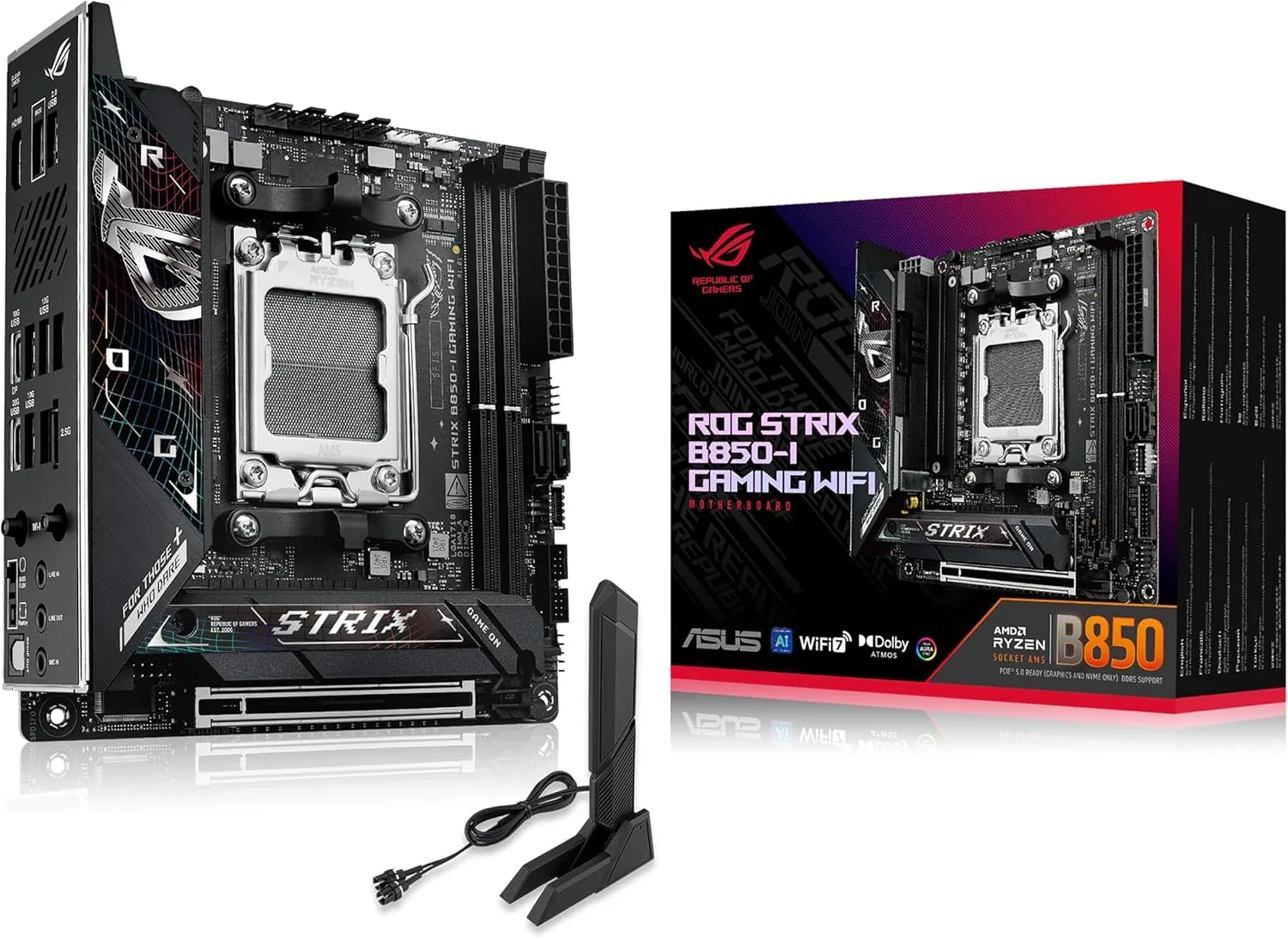
#77. ASUS ROG Strix B850-I Gaming WiFi
Best for: Small form factor AM5 builds · Price: Upper mid-range
The ROG Strix B850-I packs two PCIe 5.0 M.2 slots, Wi-Fi 7 and strong power delivery into a tiny Mini-ITX board. It's the one to choose for a compact but powerful AM5 gaming PC.
| Socket | AMD AM5 |
|---|---|
| Chipset | AMD B850 |
| Form factor | Mini-ITX |
| Memory | 2x DDR5, up to 128GB, up to 8,400MT/s (OC) |
| Power delivery | 10+2+1 phases |
| Graphics slot | PCIe 5.0 x16 |
| M.2 slots | 2 (both PCIe 5.0) |
| Networking | 2.5Gb Ethernet, Wi-Fi 7, Bluetooth 5.4 |
| Extras | Clear CMOS button, BIOS Flashback |
Pros
- Two PCIe 5.0 M.2 slots on Mini-ITX
- Strong power for its size
- Wi-Fi 7
- Premium build quality
Cons
- Expensive for a B850 board
- Fewer rear USB ports than larger boards
- M.2 heatsink needs a screwdriver
 #8
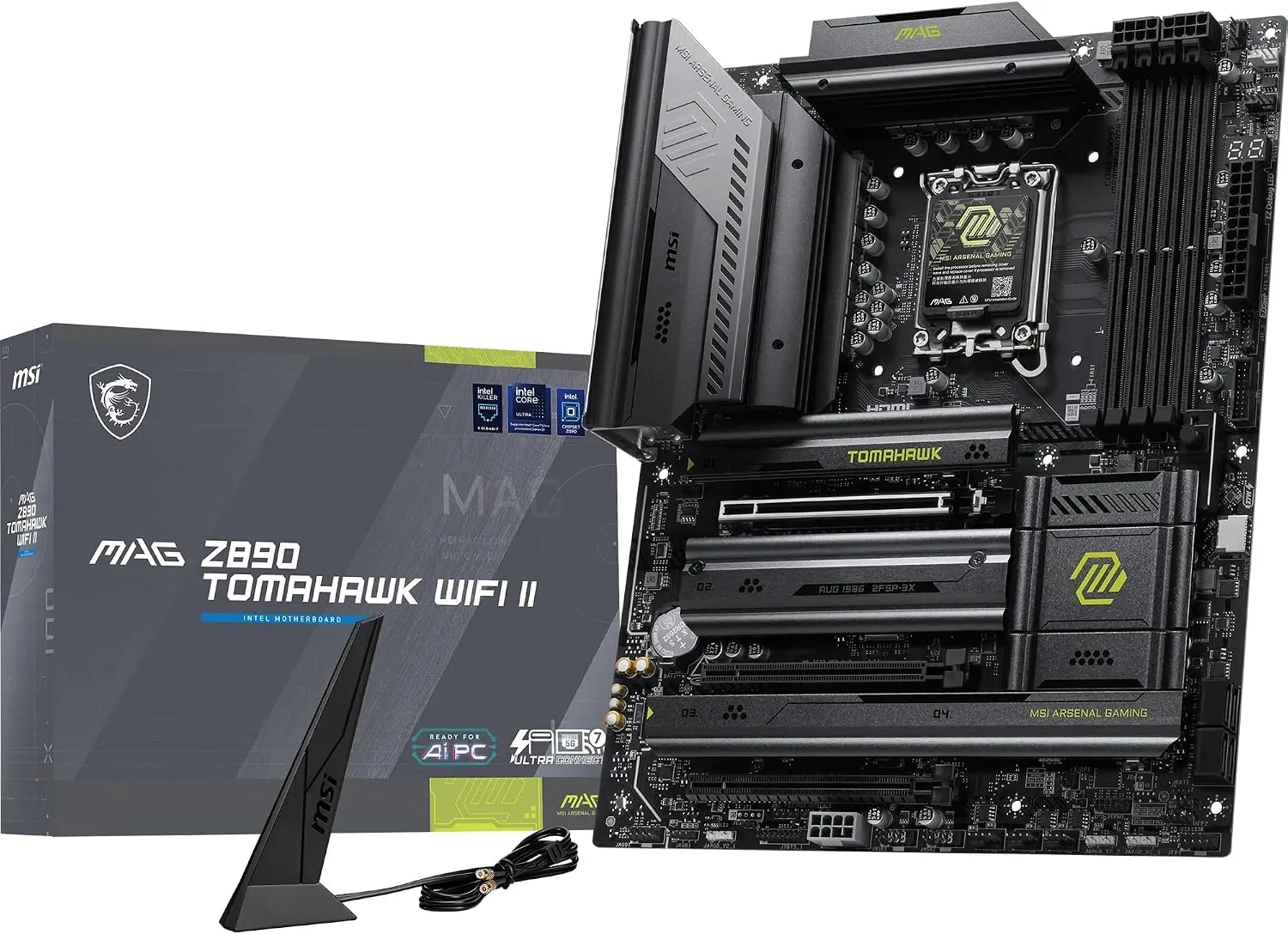
#88. MSI MAG Z890 Tomahawk WiFi
Best for: Intel Core Ultra 200S builds · Price: Upper mid-range
For Intel Core Ultra 200S processors, the Z890 Tomahawk offers strong 16-phase power delivery, four M.2 slots, 5Gb Ethernet and Wi-Fi 7, plus overclocking support, at a sensible price for a Z890 board.
| Socket | Intel LGA 1851 |
|---|---|
| Chipset | Intel Z890 |
| Form factor | ATX |
| Memory | 4x DDR5 |
| Power delivery | 16 phases for the CPU cores, 90A power stages |
| Graphics slot | PCIe 5.0 x16 |
| M.2 slots | 4 (main slot PCIe 5.0) |
| Networking | 5Gb Ethernet, Wi-Fi 7, Bluetooth 5.4 |
| Processors | Intel Core Ultra 200S (Series 2) |
Pros
- Strong power delivery for the Core Ultra 9
- Four M.2 slots
- 5Gb Ethernet and Wi-Fi 7
- Supports CPU and memory overclocking
Cons
- LGA 1851 has a limited upgrade path
- No Thunderbolt ports
- Z890 costs more than B860
 #9
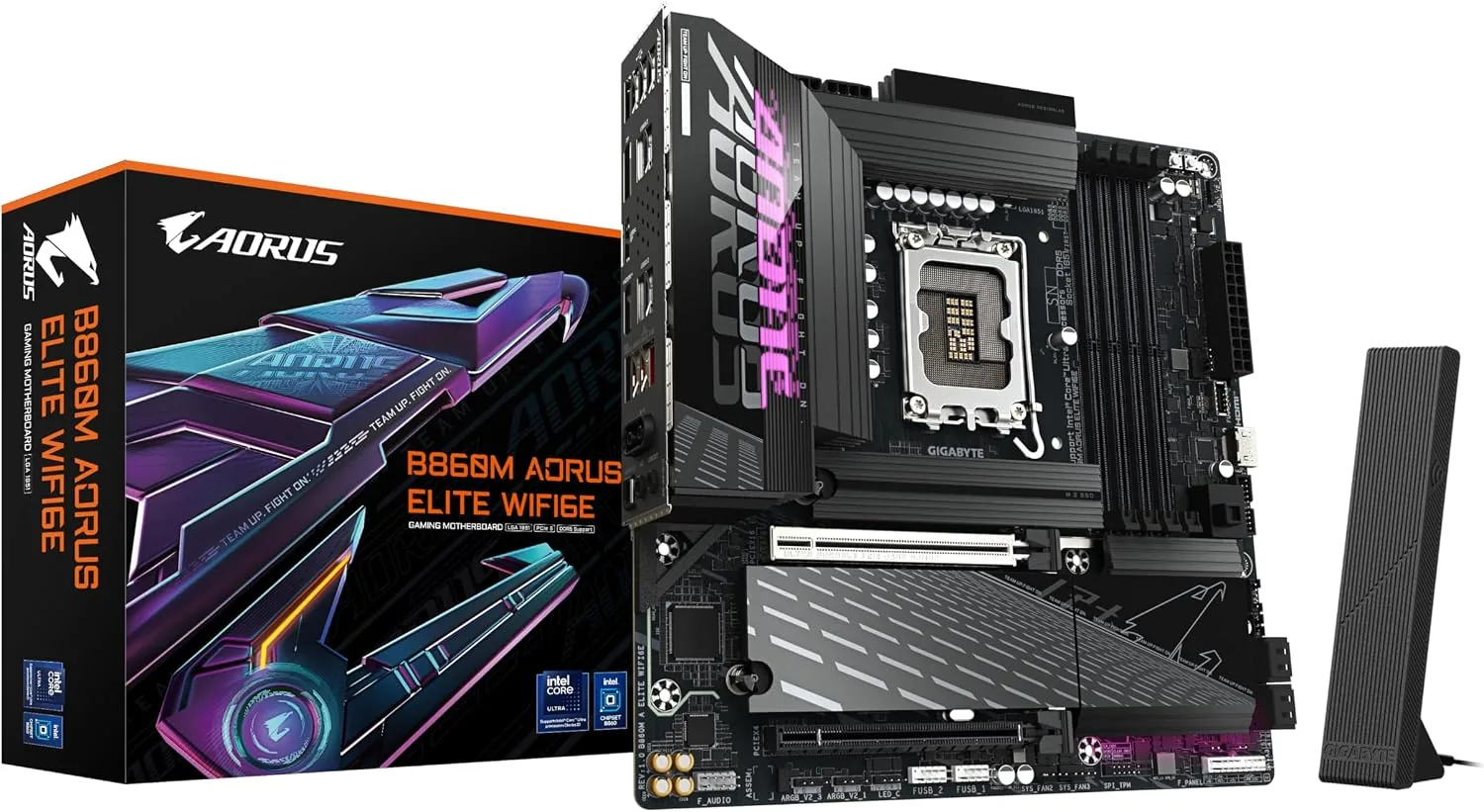
#99. Gigabyte B860M Aorus Elite WiFi6E
Best for: Budget Intel Core Ultra builds · Price: Budget
The B860M Aorus Elite WiFi6E is an affordable Micro-ATX board for Intel Core Ultra processors, with a PCIe 5.0 M.2 slot, three M.2 slots in total, 2.5Gb Ethernet and Wi-Fi 6E.
| Socket | Intel LGA 1851 |
|---|---|
| Chipset | Intel B860 |
| Form factor | Micro-ATX |
| Memory | 4x DDR5 |
| Power delivery | Digital twin 12+1+2 phase VRM |
| M.2 slots | 3 (one PCIe 5.0) |
| Networking | 2.5Gb Ethernet (Realtek RTL8125), Wi-Fi 6E, Bluetooth 5.3 |
| Audio | Realtek ALC897 |
| Colours | Black, or white (ICE version) |
Pros
- Affordable route to Core Ultra
- PCIe 5.0 M.2 slot
- Compact Micro-ATX size
- Wi-Fi included
Cons
- No CPU overclocking on B860
- Wi-Fi 6E rather than Wi-Fi 7
- Basic audio chip
- LGA 1851 has a limited upgrade path
 #10
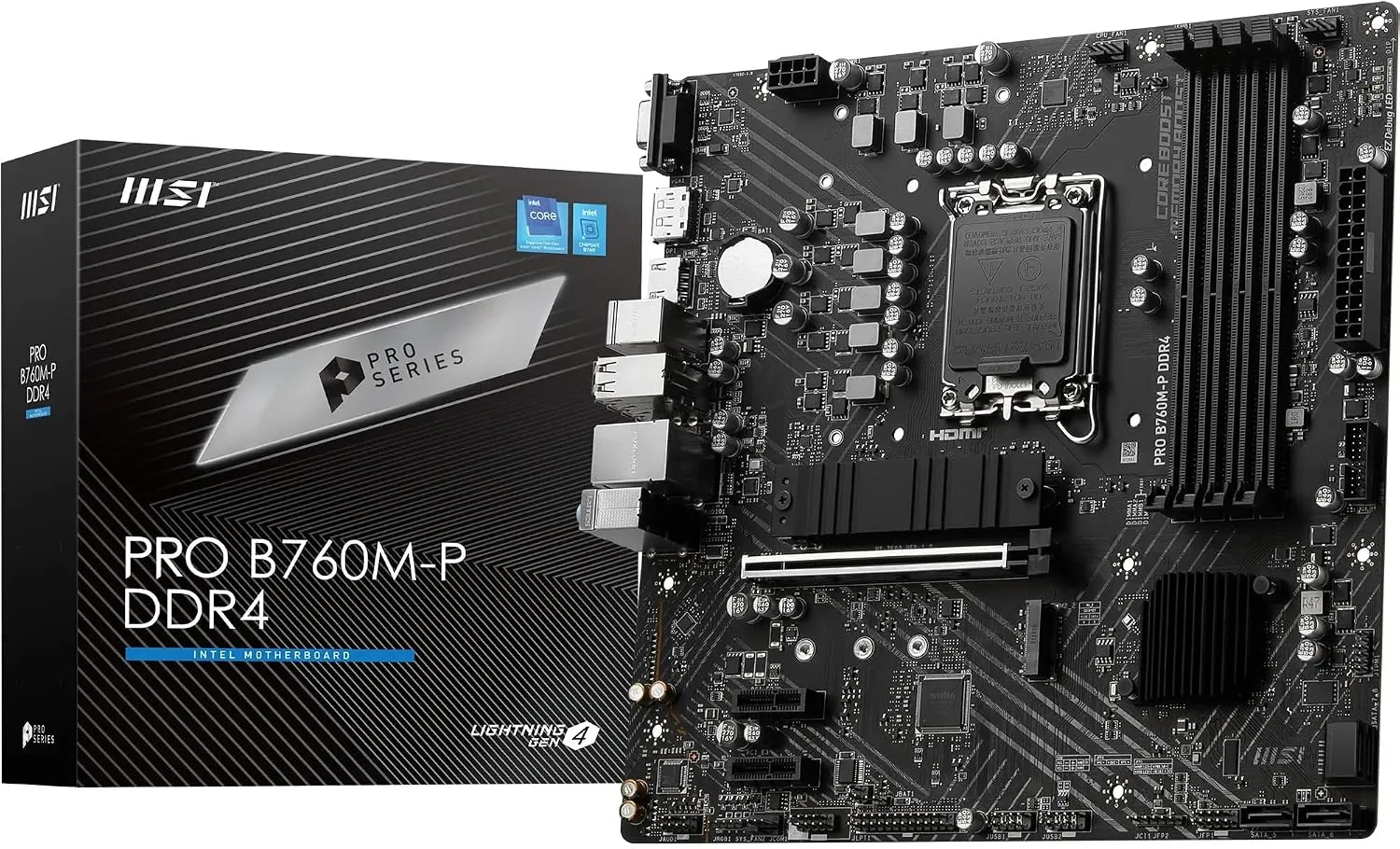
#1010. MSI PRO B760M-A WiFi DDR4 II
Best for: Budget Intel builds reusing DDR4 memory · Price: Budget
If you want to reuse DDR4 memory with an Intel 12th to 14th-generation processor such as the Core i5-14400F, the PRO B760M-A WiFi DDR4 II is a solid, affordable board with 2.5Gb Ethernet and Wi-Fi 6E.
| Socket | Intel LGA 1700 |
|---|---|
| Chipset | Intel B760 |
| Form factor | Micro-ATX |
| Memory | 4x DDR4, up to 128GB, up to 5,333MT/s (OC) |
| Power delivery | 12+1 phases |
| M.2 slots | 2 |
| Networking | 2.5Gb Ethernet (Realtek RTL8125), Wi-Fi 6E |
| Processors | Intel 12th, 13th and 14th-gen Core |
Pros
- Lets you reuse DDR4 memory
- Very affordable
- Wi-Fi 6E and 2.5Gb Ethernet
- Enough power for a Core i5 or i7
Cons
- LGA 1700 has no further upgrades
- Only two M.2 slots
- No PCIe 5.0 storage
- A version without Wi-Fi has a very similar name
How to choose motherboards
Match the socket to your processor
AMD Ryzen 7000 and 9000 processors use the AM5 socket. Intel Core Ultra 200S processors use LGA 1851, and Intel 12th to 14th-gen Core processors use LGA 1700. A board only works with processors for its socket.
Choose the right chipset
On AM5, B850 boards suit most builds, while X870 and X870E add USB4 and more fast connections. On Intel, Z890 boards allow processor overclocking and B860 boards don't.
Check the size fits your case
ATX boards are the standard full size. Micro-ATX boards are smaller with fewer slots, and Mini-ITX boards are tiny, for compact PCs. Your case must support the board's size.
Count your M.2 slots
Most gamers want at least three M.2 slots for fast SSDs. One PCIe 5.0 slot is plenty for now: PCIe 4.0 drives are almost as fast in games.
Frequently asked questions
Does the motherboard affect gaming performance?
Very little. At default settings, a budget board and a flagship perform within a percent or two of each other in games. You pay more for stronger power delivery, more storage slots, faster networking and USB, and extra features.
Do I need a BIOS update for my processor?
Possibly. Boards made before a processor launched may need a BIOS update to recognise it. Most AM5 boards and many Intel boards have BIOS Flashback, which updates the BIOS from a USB stick without a processor installed. Boards sold today usually ship with a compatible BIOS.
Is B850 or X870 better for gaming?
For gaming alone, B850 is the better value. X870 and X870E boards add USB4 and guarantee PCIe 5.0 graphics, which matter more for creators and enthusiasts than for gaming performance.
Should I buy a motherboard with Wi-Fi?
If your PC can't reach your router with a cable, yes. A board with built-in Wi-Fi costs less than adding a Wi-Fi card later. Wi-Fi 7 is the newest standard, but Wi-Fi 6E is plenty fast for most home broadband.
Is it worth buying an Intel LGA 1851 board now?
Only if you're buying a Core Ultra 200S processor now. Intel's next desktop processors are expected to use a new socket in early 2027, so there's little upgrade path. AMD's AM5 platform is supported until at least 2027.
Our scores are editorial ratings based on specifications, pricing and published performance data. Rankings reflect popularity among UK buyers and our assessment of value. How we choose and score products.