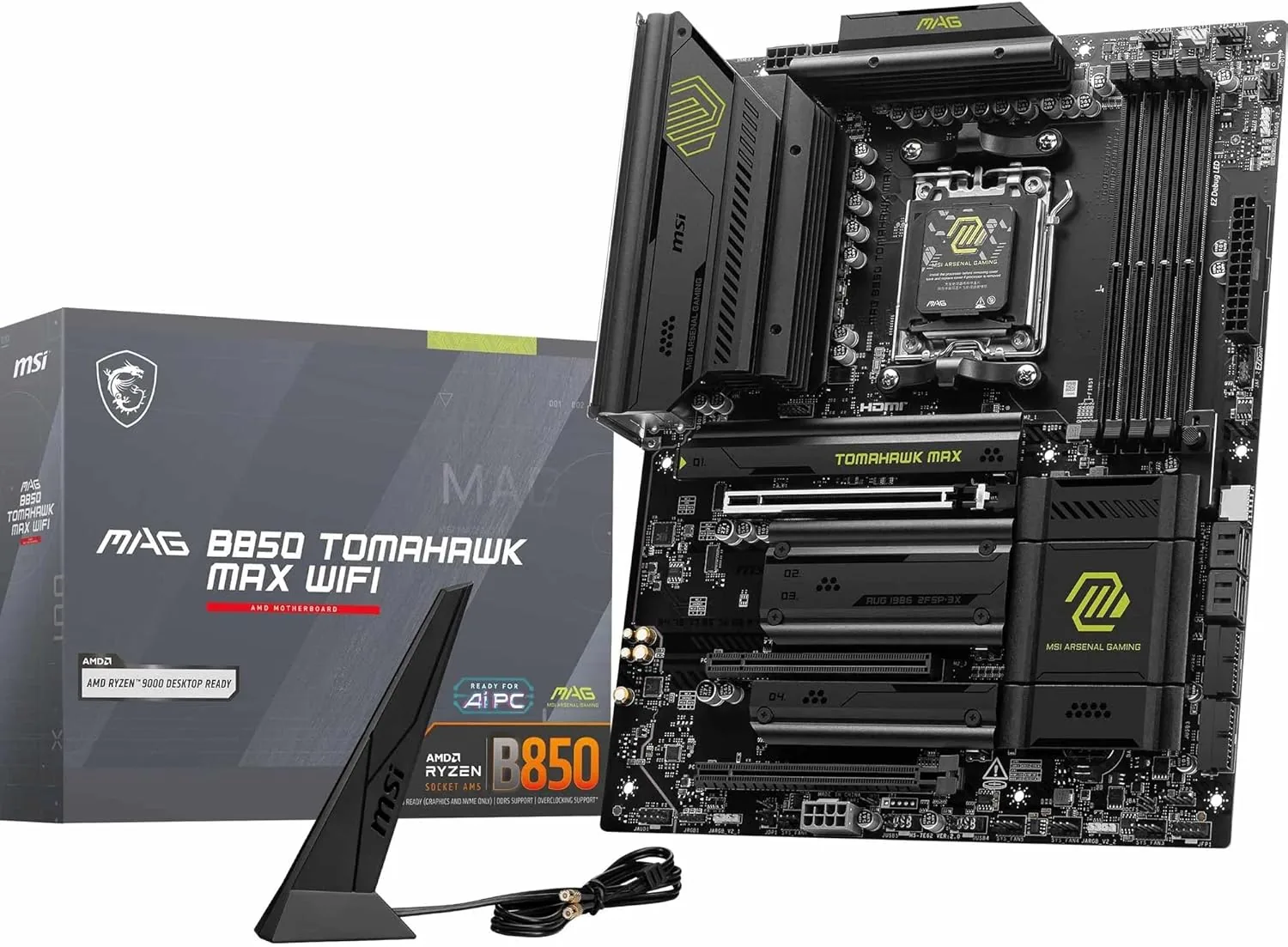
Best Overall
MSI MAG B850 Tomahawk MAX WiFi II
Best for: Most Ryzen 7000 and 9000 gaming builds
9.0/10View on Amazon →


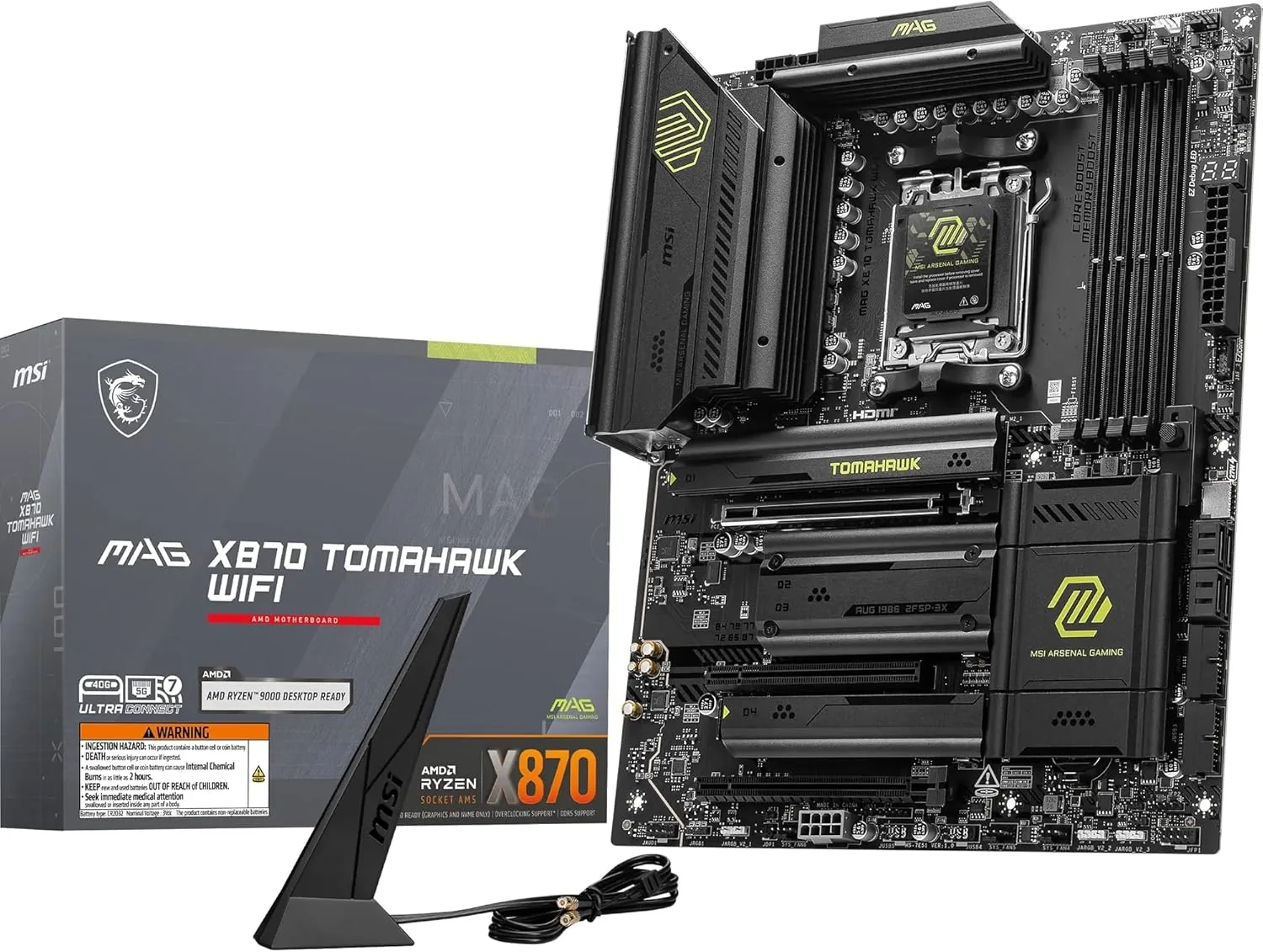
The X870 Tomahawk adds USB4 and more PCIe 5.0 bandwidth to the Tomahawk formula. It's the board to pick if you want 40Gbps USB-C for fast external drives, docks and displays without paying for an X870E flagship.
The MSI MAG X870 Tomahawk WiFi takes everything we like about the B850 Tomahawk and adds USB4. It's the board to choose if you want 40Gbps USB-C for fast external SSDs, docks and displays, without paying for an X870E flagship.
AMD's X870 chipset requires USB4, which gives you 40Gbps USB-C ports, four times faster than standard 10Gbps USB. That's useful for fast external SSDs, single-cable docks and connecting displays over USB-C. X870 also guarantees PCIe 5.0 for the graphics card slot.
If you don't need USB4, the B850 Tomahawk MAX WiFi II gives you nearly everything else for less.
Like other Tomahawk boards, it has robust power delivery with large heatsinks, easily handling any Ryzen 7000 or 9000 processor, including 16-core chips, and memory overclocking. Performance at stock settings matches any other AM5 board.
There are four M.2 slots, two PCIe 5.0 and two PCIe 4.0, and a PCIe 5.0 x16 graphics slot. MSI's EZ features include tool-free M.2 latches and a graphics card release button. Some M.2 slots share bandwidth with expansion slots or SATA ports, so check the manual's lane-sharing table before filling every slot.
You get 5Gb Ethernet, Wi-Fi 7 and Bluetooth 5.4, plus plenty of USB ports on the rear panel.
AMD has committed to supporting the AM5 socket until at least 2027, so the board can take a faster Ryzen processor later. Boards made before Ryzen 9000 launched may need a BIOS update first; this one supports BIOS Flashback, which updates the BIOS from a USB stick without a processor installed.
Buy the X870 Tomahawk WiFi if you want USB4 for external drives, docks or displays, or a creator PC with lots of fast storage. For a gaming-only PC, the B850 Tomahawk MAX WiFi II is better value.
| Socket | AMD AM5 |
|---|---|
| Chipset | AMD X870 |
| Form factor | ATX |
| Memory | 4x DDR5, up to 256GB |
| Graphics slot | PCIe 5.0 x16 |
| M.2 slots | 4 (two PCIe 5.0, two PCIe 4.0) |
| USB4 | 40Gbps USB-C with display output |
| Networking | 5Gb Ethernet (Realtek 8126), Wi-Fi 7, Bluetooth 5.4 |
| Video outputs | HDMI, USB4 |
The X870 Tomahawk adds USB4 and more PCIe 5.0 bandwidth to the Tomahawk formula. It's the board to pick if you want 40Gbps USB-C for fast external drives, docks and displays without paying for an X870E flagship. It earns our Best with USB4 award in our guide to the best motherboards.
Check price on Amazon →Best for: Most Ryzen 7000 and 9000 gaming builds
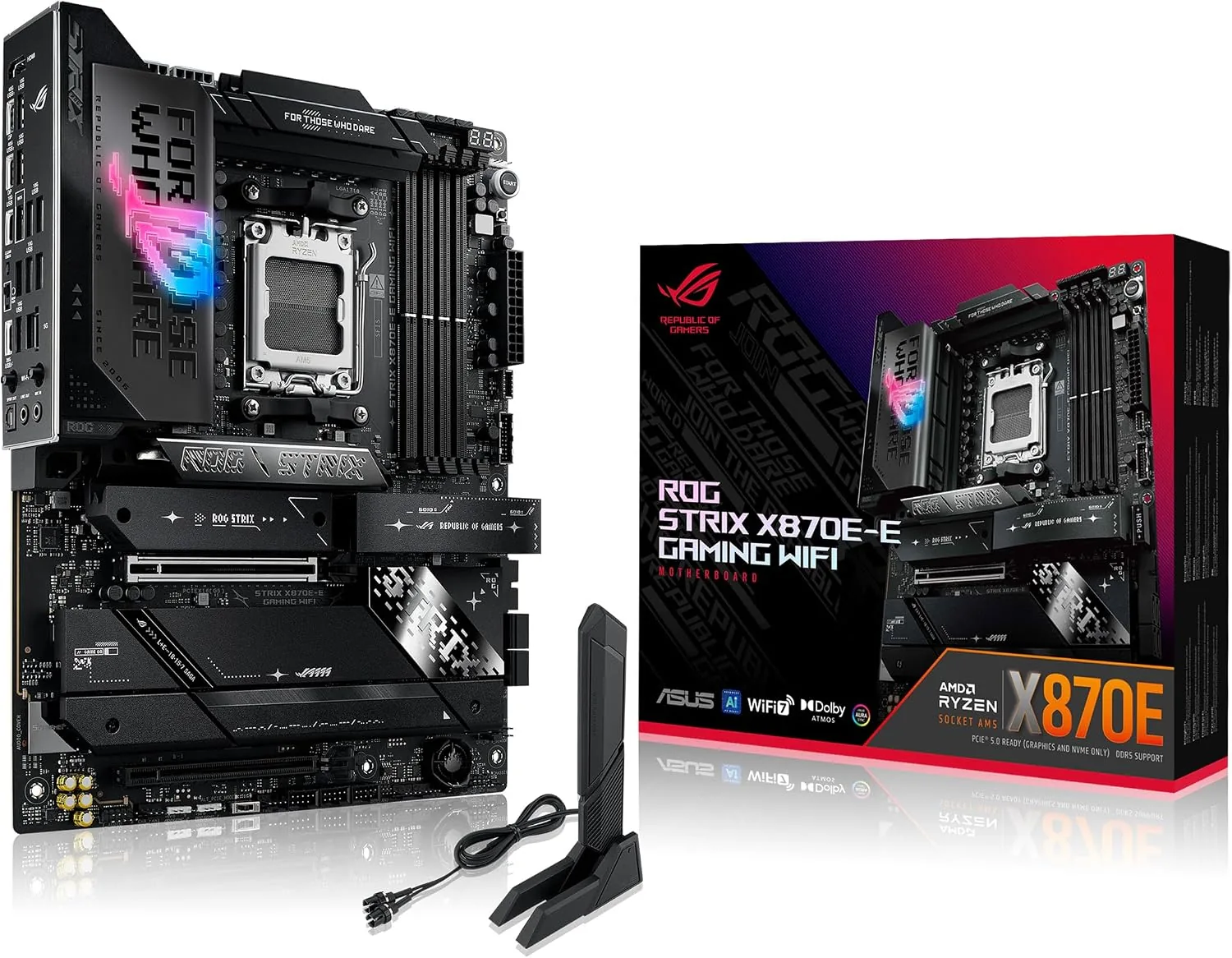
Best for: High-end Ryzen 9 builds and enthusiasts
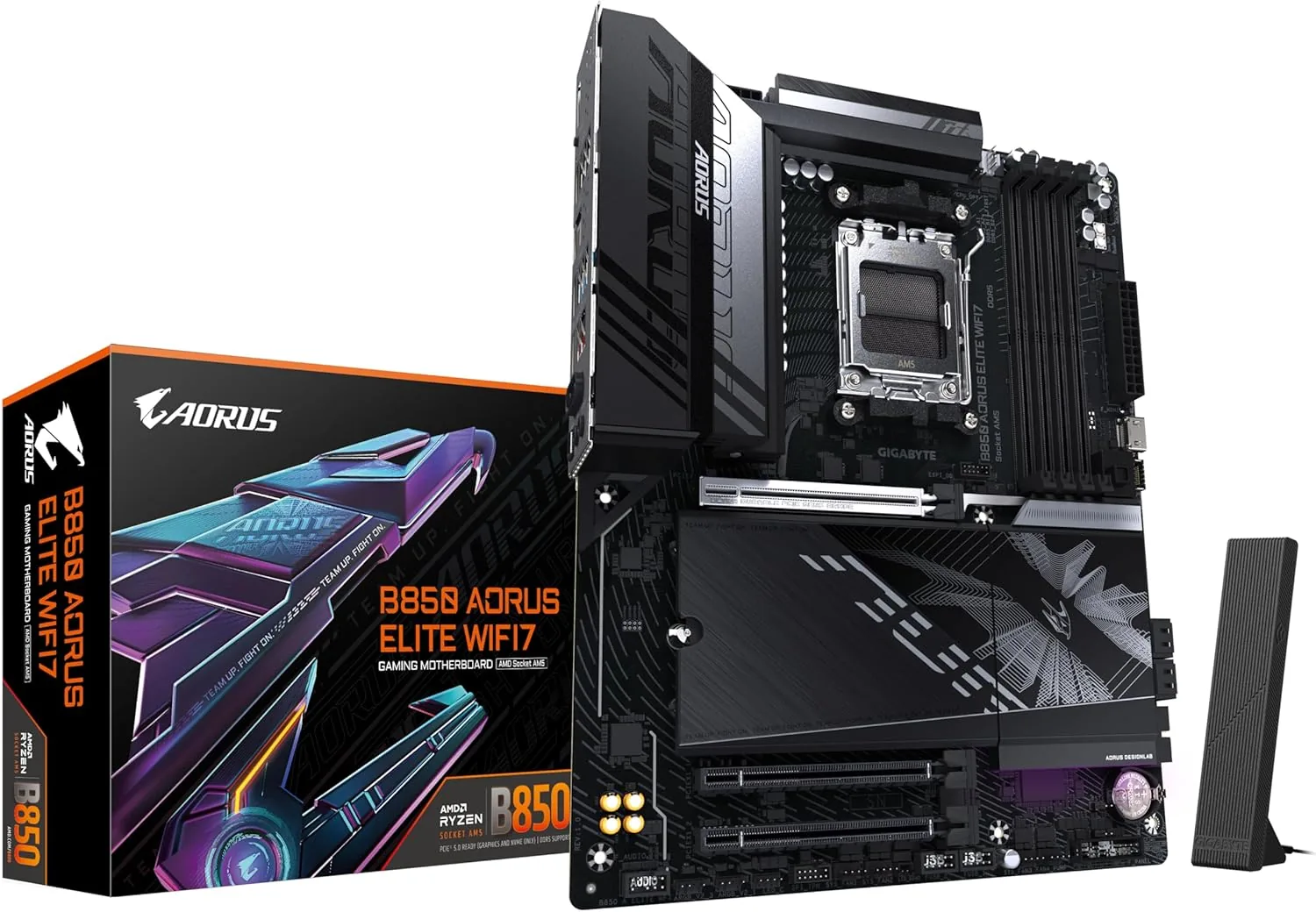
Best for: Mid-range AM5 gaming builds