

Best Gaming Laptops Under £1,500: What to Buy
£1,500 buys a capable gaming laptop, but the graphics chip, its power limit and the screen matter more than the badge. Here's what to check, plus three models worth shortlisting.
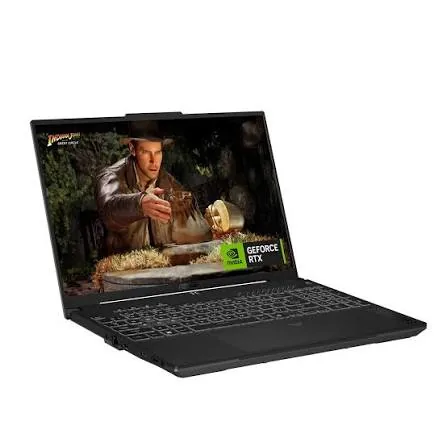
£1,500 is a good budget for a gaming laptop. It gets you a machine that runs modern games well at high settings, and you don't have to pay extra for the thinnest designs or the very fastest graphics chips. The catch is that one model name can cover several quite different specs, so it's worth knowing what to check before you buy.
We don't test laptops ourselves. The picks below come from published reviews and manufacturers' specifications, and you can read more about how we choose products.
Start with the graphics chip
More than anything else, the graphics processor (GPU) decides how well your games run. At this budget you'll mostly find Nvidia's RTX 5050, RTX 5060 and RTX 5070 laptop chips. The RTX 5050 is the entry point for 1080p gaming. The RTX 5060 gives you the most for your money, and the RTX 5070 is worth stretching for if you can find one under £1,500.
All three come with 8GB of video memory, which critics often say is too little. Notebookcheck tested whether 8GB is enough on an RTX 5070 laptop. It found the biggest problems at 4K, where the chip isn't fast enough anyway. In Battlefield 6, it needed the High preset rather than the top settings to run smoothly, and on High it played well even at 1440p. So 8GB works at 1080p and 1440p, but expect to turn a few settings down in the most demanding new games.
Laptops with more video memory, such as RTX 5070 Ti models, usually cost more than this.
Check the power limit
The same laptop GPU can run at different power levels, usually listed as TGP in watts. It depends on how much cooling the manufacturer has fitted. An RTX 5070 held to a low power limit in a slim laptop can be noticeably slower than the same chip in a chunkier one. Retailers don't always list the TGP, so check reviews or the manufacturer's spec sheet. For the RTX 5070, the fastest versions run at up to 115W.
Don't overlook the screen and the rest
Look for a 15- or 16-inch screen with at least 1920 x 1080 (or 1920 x 1200) resolution and a refresh rate of 144Hz or higher. A sharper 1440p-class panel, such as 2560 x 1600, is a good match for an RTX 5060 or 5070. A 1080p screen suits an RTX 5050 better, because it won't ask more of the chip than it can give.
Treat 16GB of memory and 1TB of storage as the minimum. Memory you can upgrade and a spare SSD slot will both help the laptop last longer, and our SSD buying guide covers drives worth adding later. Battery life varies a lot between models, from about three hours to more than eight, so read reviews if you plan to play away from a socket.
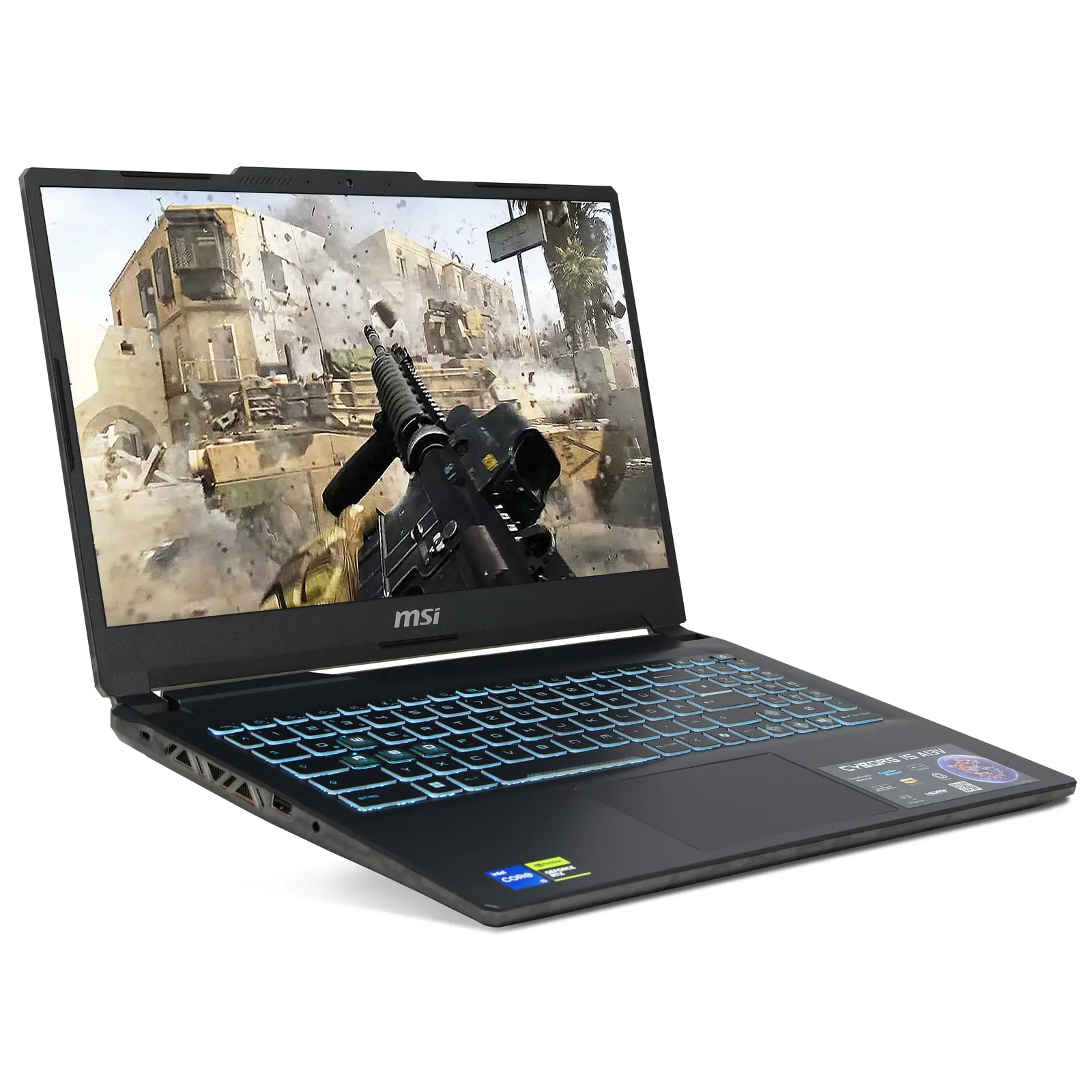
Three laptops worth shortlisting
The Lenovo Legion 5 is the one to aim for if you can find an RTX 5070 version within budget. LaptopMedia called the Intel-based Legion 5i the fastest RTX 5070 laptop it had tested, though its battery lasted only just over three hours. The AMD-based Legion 5 did much better, managing more than eight hours in the same site's tests. Some versions come with a 15.1-inch 1600p OLED screen at 165Hz, which Notebookcheck rated highly for its brightness and colour.
The ASUS TUF Gaming A16 is the practical all-rounder. Notebookcheck's review of the RTX 5070 model praised its sturdy build, upgradeable memory, improved 165Hz QHD screen and long battery life. It also noted that the GPU runs at the full 115W. LaptopMedia found the RTX 5060 version was the fastest RTX 5060 laptop it had tested. Be aware that some UK retailers, such as Laptop Outlet, also sell it with the slower RTX 5050, so check the exact model before you order.
The Acer Nitro V 15 is the cheapest of the three. It's Acer's entry-level gaming range, and buying one could leave room in a £1,500 budget for a good gaming mouse and headset. You should expect a more basic build and screen than on the other two. Specs vary between listings, so check which graphics chip you're getting and choose an RTX 5060 or better if you can.
Before you buy
Laptops sold under the same name can have very different specs, so compare the exact model code with a review before you pay. Prices change often, too. Black Friday is about a month away, so it may be worth waiting. Our Black Friday PC hardware deals guide covers what's worth buying.
If you mostly play at a desk, a desktop gives you more performance for the money and is easier to upgrade. Our budget 1080p gaming PC build is a good place to start. For more laptops, including ones that aren't built for gaming, see our laptop buying guide.