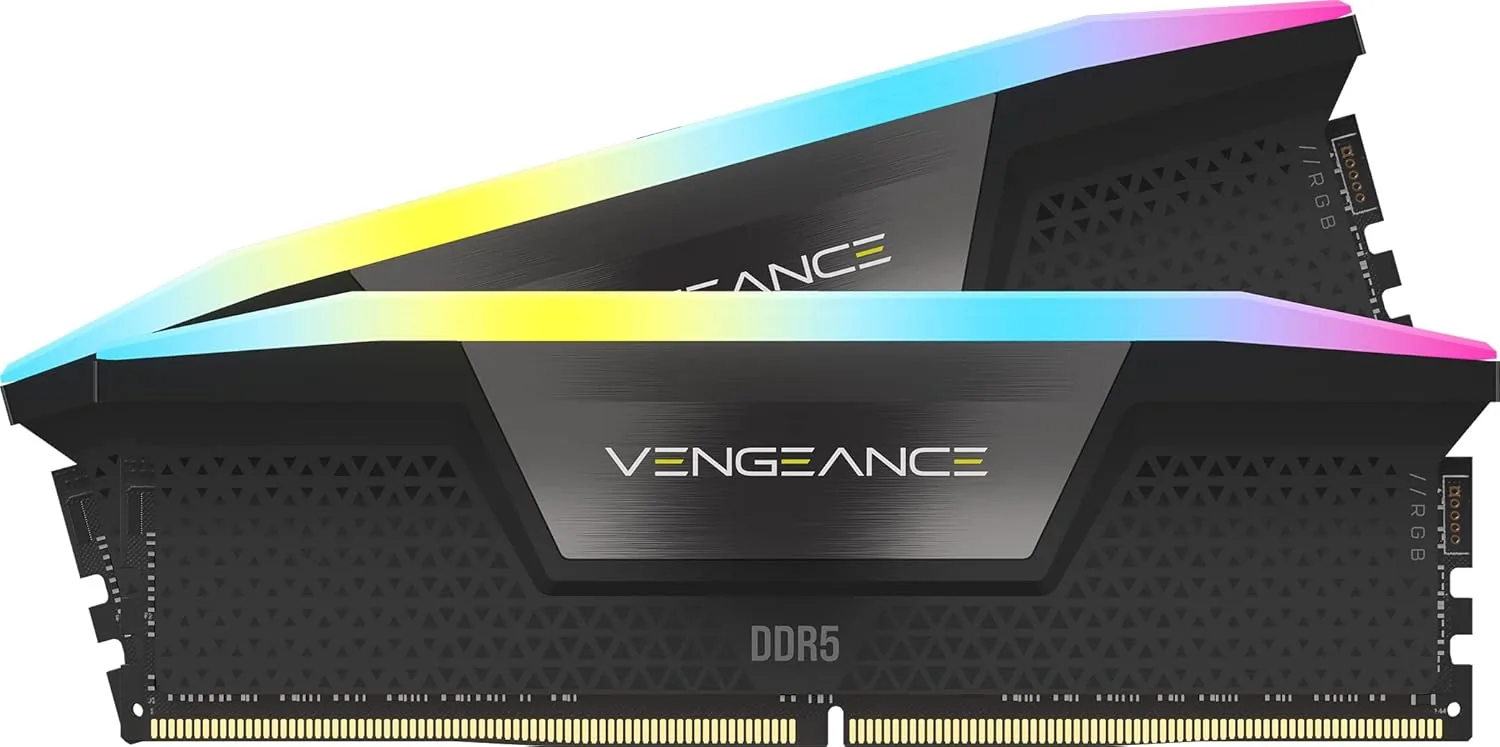
Best Overall
Corsair Vengeance DDR5 32GB (2x16GB) 6000MHz CL30
Best for: Most gaming builds
9.0/10View on Amazon →


If your laptop or mini PC has replaceable DDR5 memory slots, this Crucial kit is a simple way to double up to 32GB for smoother multitasking and gaming.
If your laptop or mini PC has replaceable DDR5 memory slots, this Crucial kit is a simple way to upgrade to 32GB for smoother multitasking and gaming. It runs at standard speeds with no setup at all.
Many thin laptops, including all MacBooks and most ultrabooks, have their memory soldered to the motherboard, so it can't be upgraded. Gaming laptops, business laptops and mini PCs often have two SO-DIMM slots. Check your laptop's specifications or use Crucial's online System Scanner, which tells you exactly what's compatible.
This kit is DDR5. Older laptops with DDR4 slots need DDR4 SO-DIMM memory instead, and the two aren't interchangeable.
Going from 8GB or 16GB to 32GB makes a big difference if you run many browser tabs, use creative apps or play modern games, which increasingly need more than 16GB alongside Windows. The kit runs at DDR5-5600, and laptops limited to slower DDR5 speeds such as 4800 or 5200 run it at their own maximum, so it's safe to buy.
Install both sticks as a pair so the laptop runs in dual-channel mode, which is noticeably faster than one stick, especially for laptops with integrated graphics.
Upgrading usually means removing the laptop's base panel, unclipping the old sticks and pressing the new ones in at an angle. Many manufacturers publish guides for their models. Turn off the laptop and unplug it first.
Crucial is the consumer brand of Micron, which makes the memory chips itself, and the kit comes with a lifetime warranty.
Buy this kit to upgrade a laptop or mini PC with DDR5 SO-DIMM slots. For desktops, choose a standard DDR5 kit.
| Capacity | 32GB (2x16GB) |
|---|---|
| Type | DDR5 SO-DIMM (laptop) |
| Speed | 5600MT/s |
| Latency | CL46 |
| Voltage | 1.1V |
| Compatibility | Runs at lower speeds in laptops limited to 4800 or 5200MT/s |
| Warranty | Limited lifetime |
If your laptop or mini PC has replaceable DDR5 memory slots, this Crucial kit is a simple way to double up to 32GB for smoother multitasking and gaming. It earns our Best Laptop Upgrade award in our guide to the best memory.
Check price on Amazon →Best for: Most gaming builds
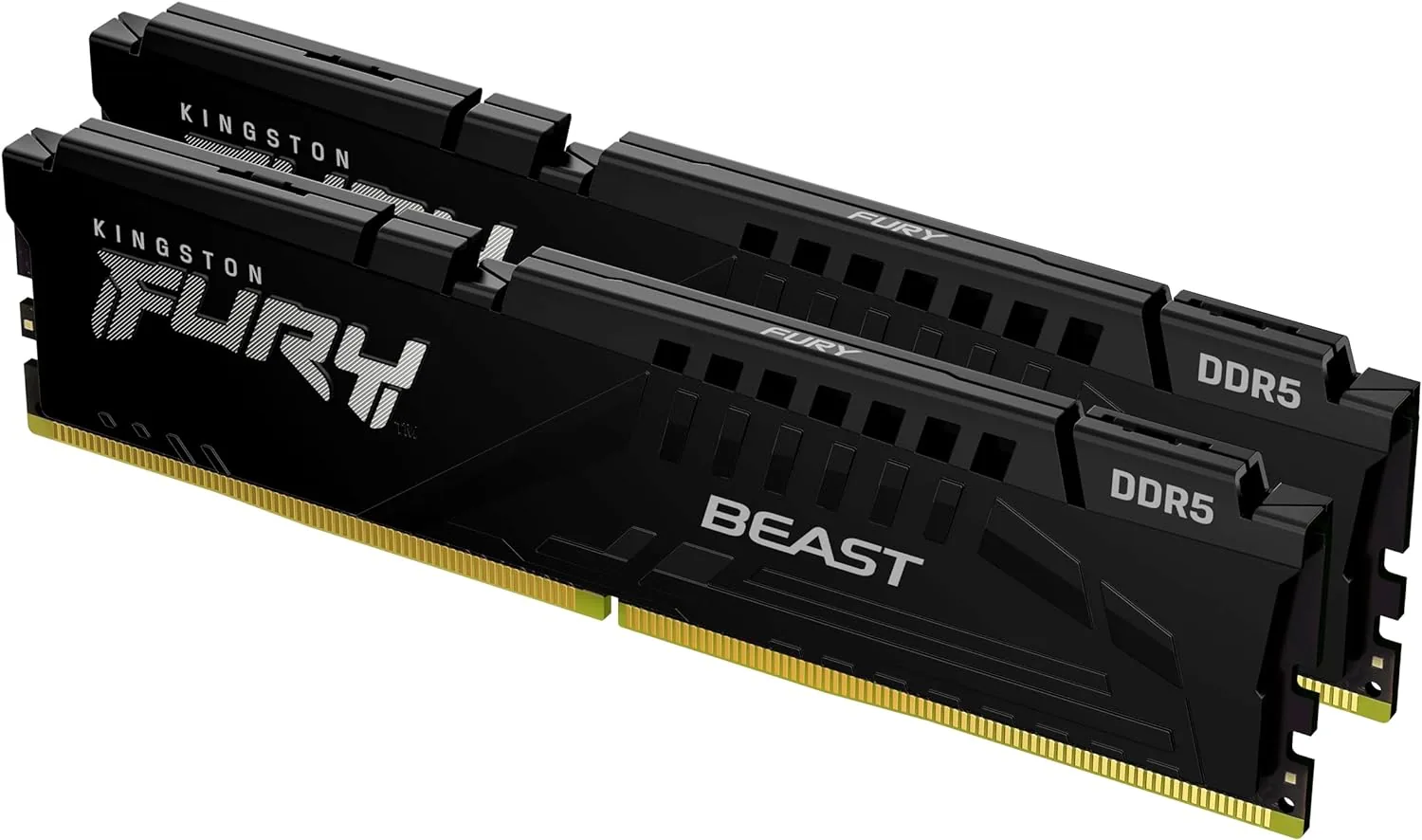
Best for: Budget-conscious builds
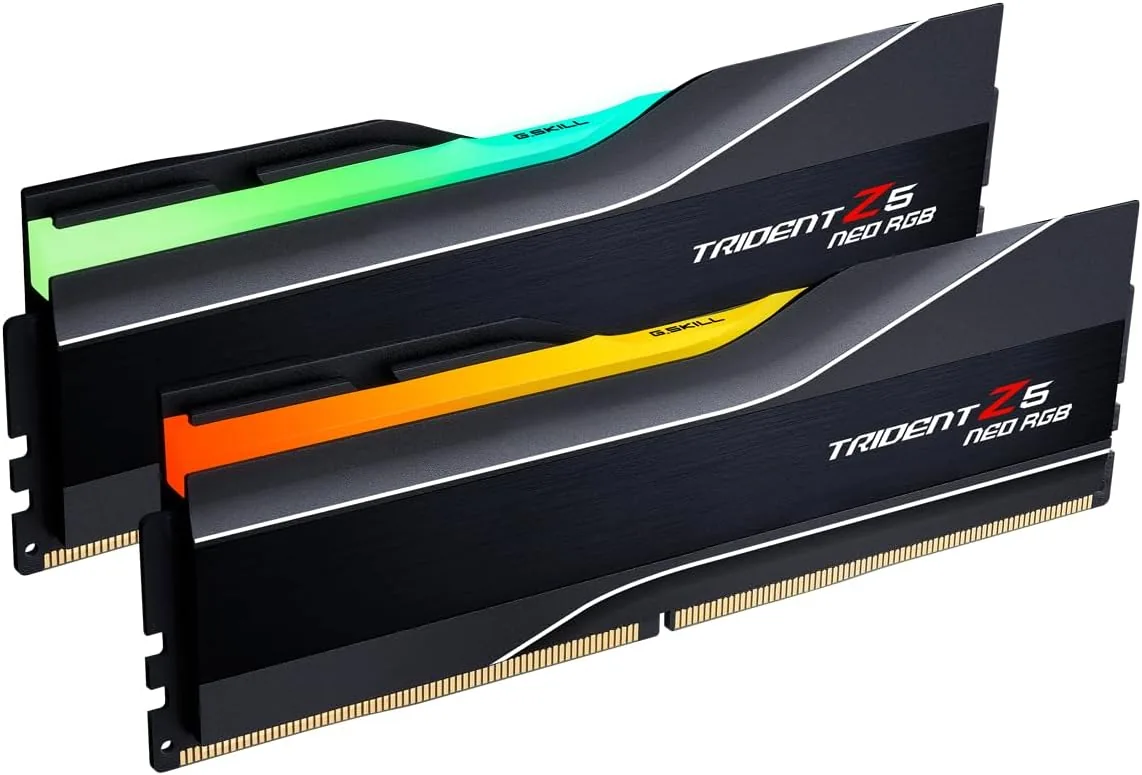
Best for: Showpiece AMD builds