

The Best Graphics Cards in the UK (2026)
The graphics card is the single biggest factor in gaming performance, and usually the biggest line on your build budget. These are the GPUs UK buyers are picking up most right now, from sensible 1080p cards to no-compromise 4K monsters.
Our picks at a glance
| Product | Award | Score | |
|---|---|---|---|
| Asus Prime NVIDIA GeForce RTX 5070 | Best Overall | 9.0/10 | Amazon → |
| ASUS Prime AMD Radeon RX 9070 XT | Best Value High-End | 9.0/10 | Amazon → |
| Gigabyte GeForce RTX 5070 Ti | Best for 1440p Ultra | 9.0/10 | Amazon → |
| MSI GeForce RTX 5060 Ti 16GB | Best Budget | 8.5/10 | Amazon → |
| Gigabyte GeForce RTX 5080 | Best for 4K | 8.5/10 | Amazon → |
| ASUS GeForce RTX 5090 | Fastest Available | 8.0/10 | Amazon → |
| Intel Arc B580 | Best Cheap GPU | 8.5/10 | Amazon → |
| Gigabyte Radeon RX 9060 XT 16GB | Best Budget AMD | 8.5/10 | Amazon → |
 #1
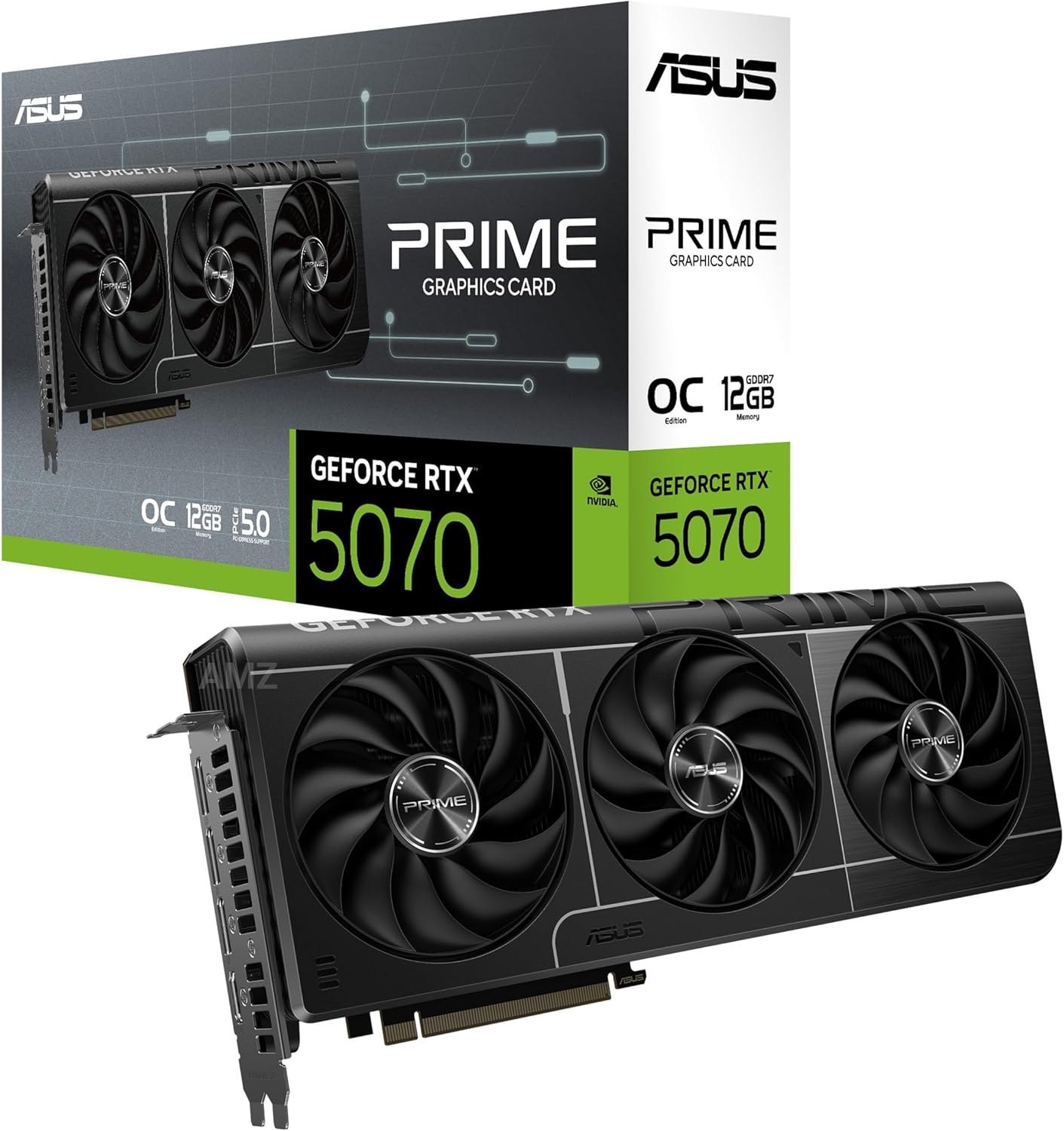
#11. Asus Prime NVIDIA GeForce RTX 5070
Best for: 1440p high-refresh gaming · Price: Mid-range
The RTX 5070 is the card most people should buy. It handles 1440p gaming at high refresh rates with ease, and DLSS 4 with Multi Frame Generation stretches it into 4K territory in supported games.
| Architecture | Blackwell |
|---|---|
| VRAM | 12GB GDDR7 |
| Memory bus | 192-bit |
| Total board power | 250W |
| Outputs | HDMI 2.1b, DisplayPort 2.1b |
Pros
- Excellent 1440p performance for the money
- DLSS 4 Multi Frame Generation support
- Efficient and quiet on most partner designs
Cons
- 12GB VRAM could become limiting in future
- Frame generation adds some latency
 #2
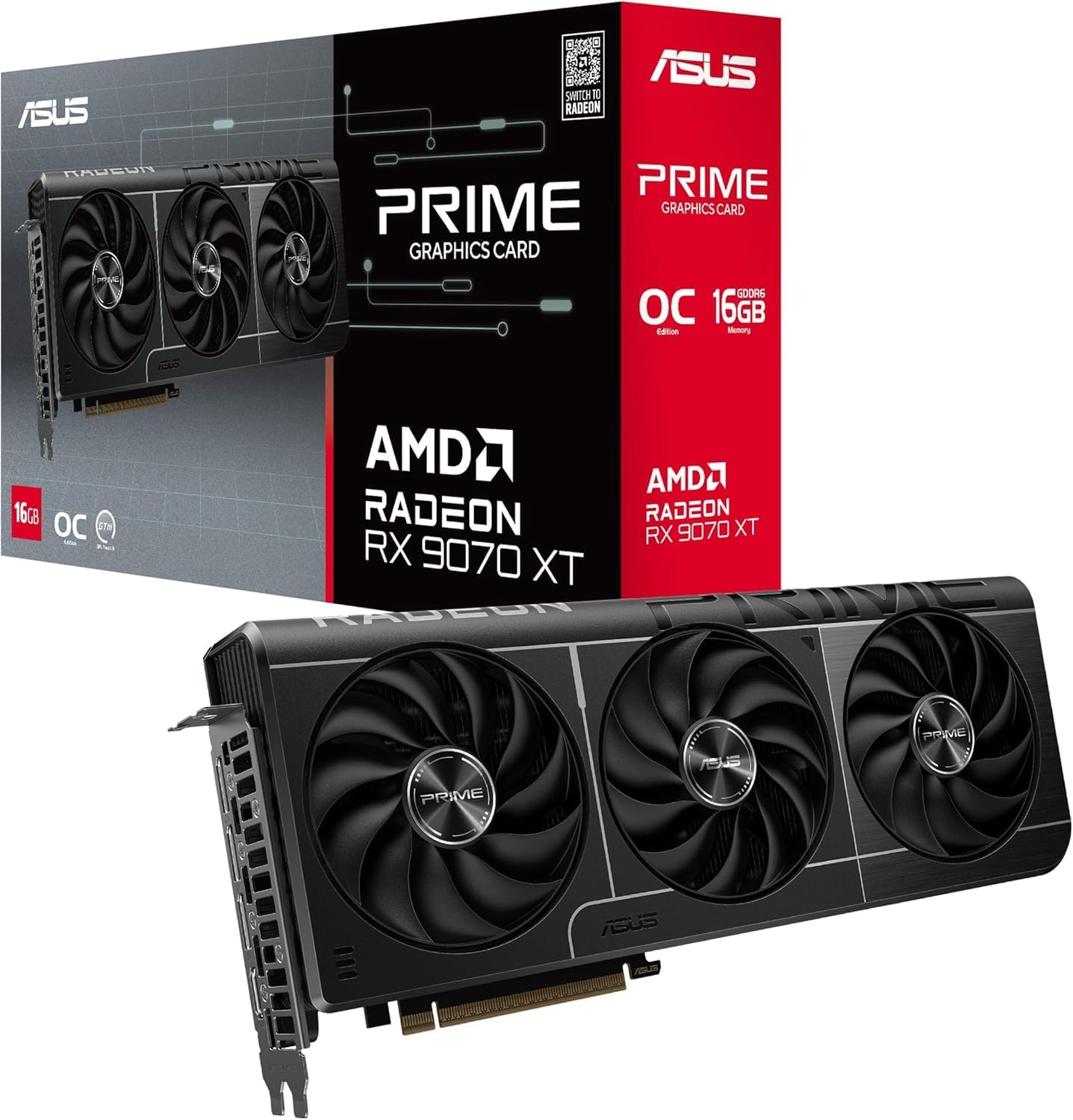
#22. ASUS Prime AMD Radeon RX 9070 XT
Best for: 1440p and entry-level 4K gaming · Price: Upper mid-range
AMD's RDNA 4 flagship brings 16GB of VRAM and much-improved ray tracing at a price that undercuts NVIDIA's equivalent. FSR 4 finally gives AMD a machine-learning upscaler that holds its own.
| Architecture | RDNA 4 |
|---|---|
| VRAM | 16GB GDDR6 |
| Memory bus | 256-bit |
| Total board power | 304W |
| Outputs | HDMI 2.1b, DisplayPort 2.1a |
Pros
- Generous 16GB of VRAM
- Big leap in ray-tracing performance
- FSR 4 upscaling looks excellent
Cons
- Higher power draw than the RTX 5070 Ti
- FSR 4 support still growing
 #3
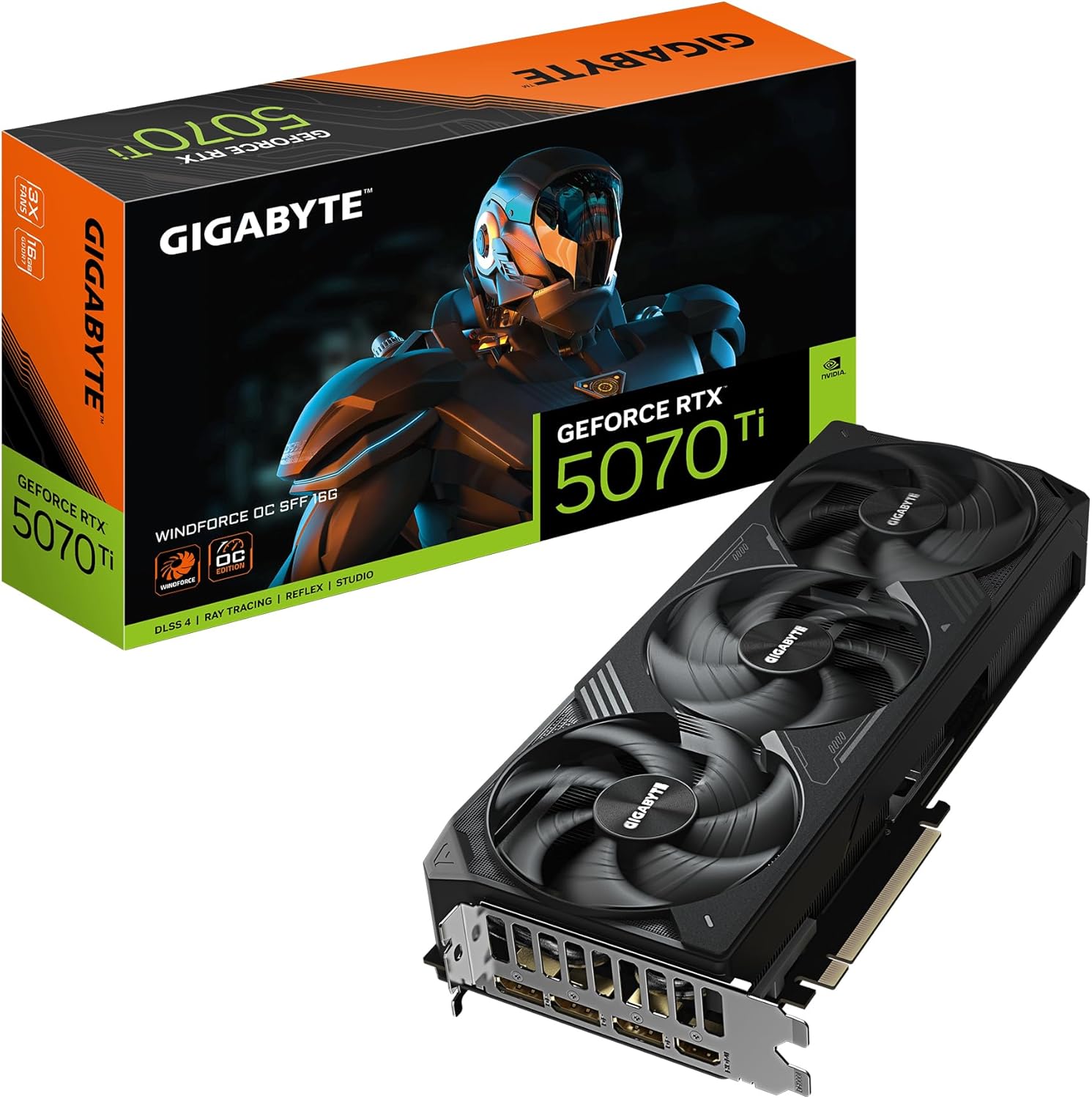
#33. Gigabyte GeForce RTX 5070 Ti
Best for: Maxed-out 1440p and 4K with DLSS · Price: High-end
The RTX 5070 Ti gives you most of the RTX 5080's performance for noticeably less money. With 16GB of fast GDDR7 it maxes out 1440p and handles 4K comfortably with DLSS.
| Architecture | Blackwell |
|---|---|
| VRAM | 16GB GDDR7 |
| Memory bus | 256-bit |
| Total board power | 300W |
| Outputs | HDMI 2.1b, DisplayPort 2.1b |
Pros
- Close to RTX 5080 performance
- 16GB of VRAM for the long haul
- Full DLSS 4 feature set
Cons
- A big step up in price from the RTX 5070
- Needs a solid 750W power supply
 #4
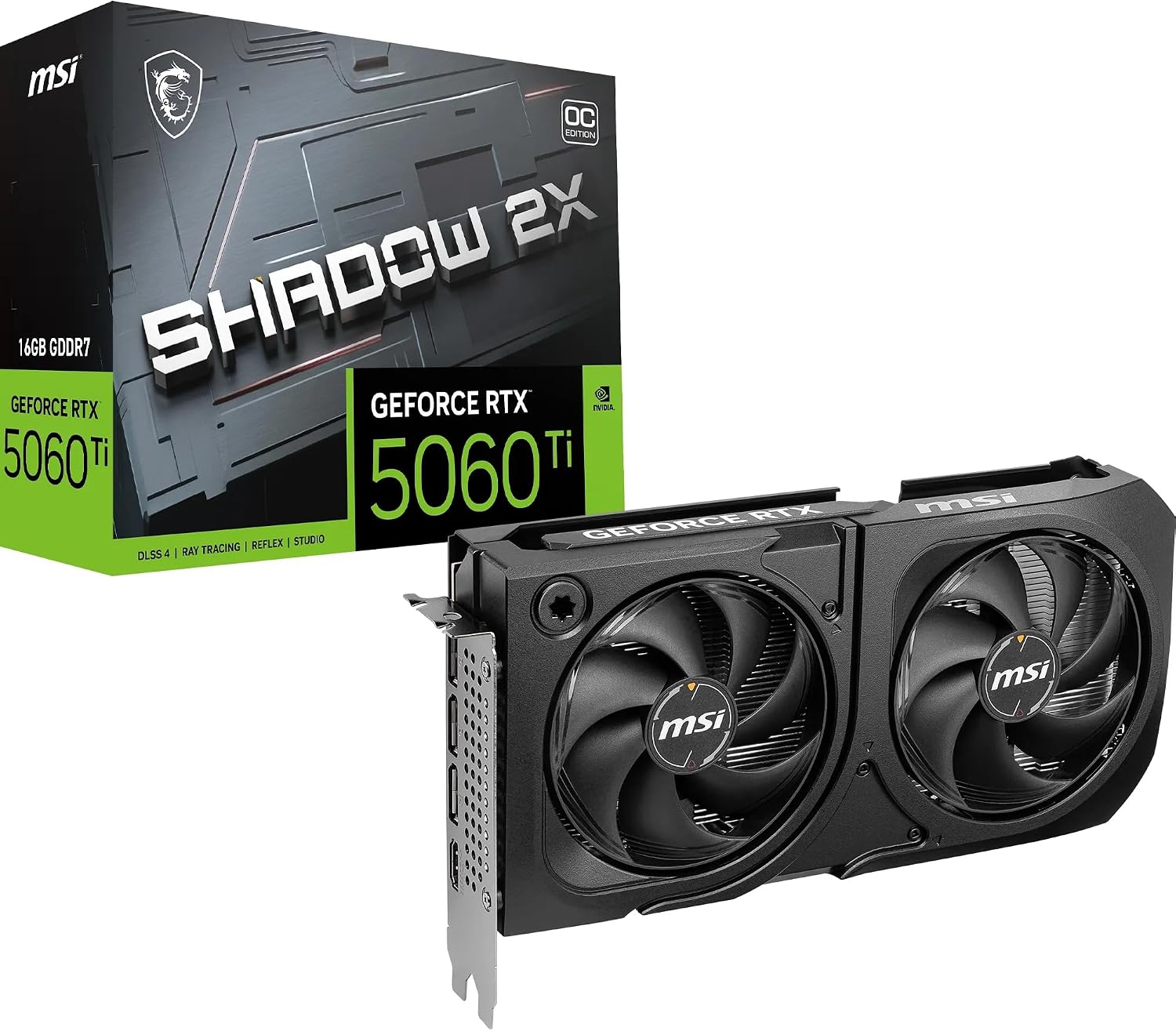
#44. MSI GeForce RTX 5060 Ti 16GB
Best for: 1080p and light 1440p gaming · Price: Budget
The 16GB version of the RTX 5060 Ti is the smart budget pick: it's fast enough for maxed-out 1080p and solid 1440p, and the extra memory means it won't run out of steam as quickly as 8GB cards.
| Architecture | Blackwell |
|---|---|
| VRAM | 16GB GDDR7 |
| Memory bus | 128-bit |
| Total board power | 180W |
| Outputs | HDMI 2.1b, DisplayPort 2.1b |
Pros
- 16GB VRAM at a budget price
- Low power draw, works with modest PSUs
- Full DLSS 4 feature set
Cons
- Narrow 128-bit memory bus
- Avoid the 8GB version by mistake
 #5
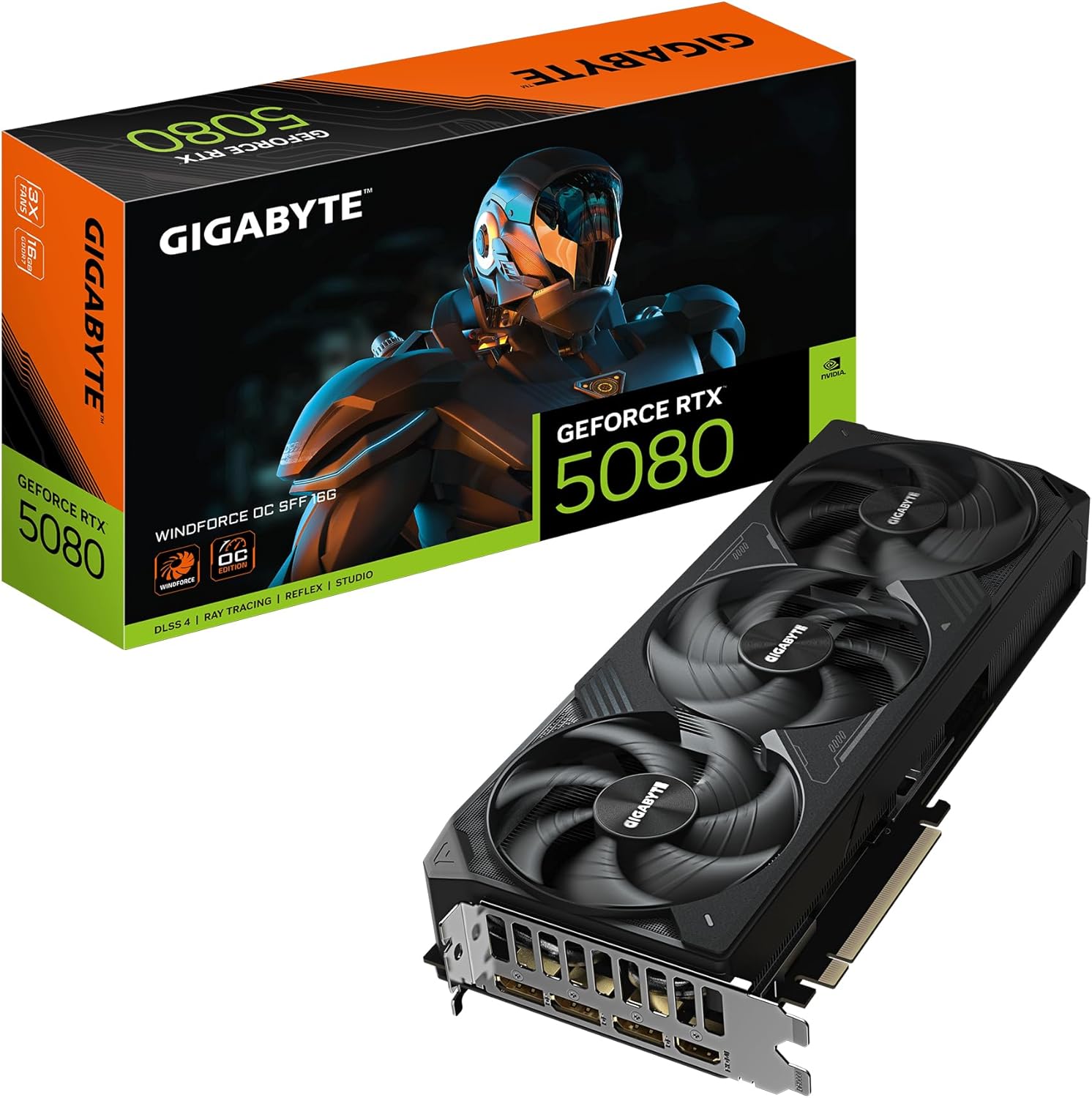
#55. Gigabyte GeForce RTX 5080
Best for: 4K gaming and content creation · Price: High-end
If you want high-frame-rate 4K without paying flagship money, the RTX 5080 is the card. It's a refined, efficient performer that also makes a strong choice for creative workloads.
| Architecture | Blackwell |
|---|---|
| VRAM | 16GB GDDR7 |
| Memory bus | 256-bit |
| Total board power | 360W |
| Outputs | HDMI 2.1b, DisplayPort 2.1b |
Pros
- Smooth 4K gaming with DLSS
- Strong ray-tracing performance
- Great for video editing and AI tools
Cons
- Expensive
- Modest gain over the previous generation
 #6
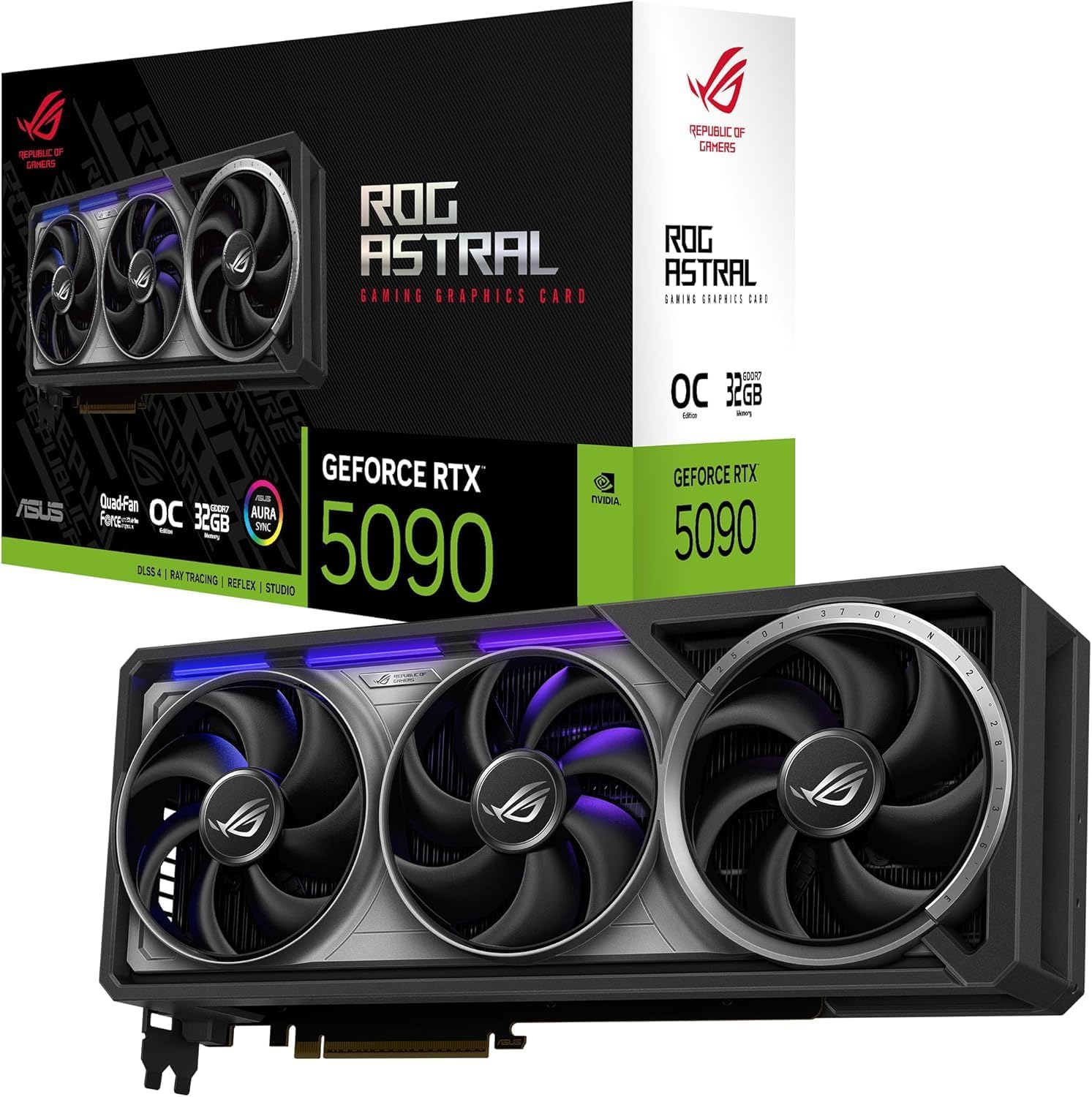
#66. ASUS GeForce RTX 5090
Best for: Enthusiasts, 4K/8K gaming, AI and 3D work · Price: Flagship
The RTX 5090 is the fastest consumer graphics card there is, full stop. With 32GB of VRAM it's as much a workstation card for AI and 3D rendering as it is a gaming GPU, but be prepared for the extreme pricing.
| Architecture | Blackwell |
|---|---|
| VRAM | 32GB GDDR7 |
| Memory bus | 512-bit |
| Total board power | 575W |
| Outputs | HDMI 2.1b, DisplayPort 2.1b |
Pros
- Unmatched performance
- Huge 32GB frame buffer
- Ideal for local AI models
Cons
- Very expensive
- Enormous power draw needs a 1000W PSU
 #7
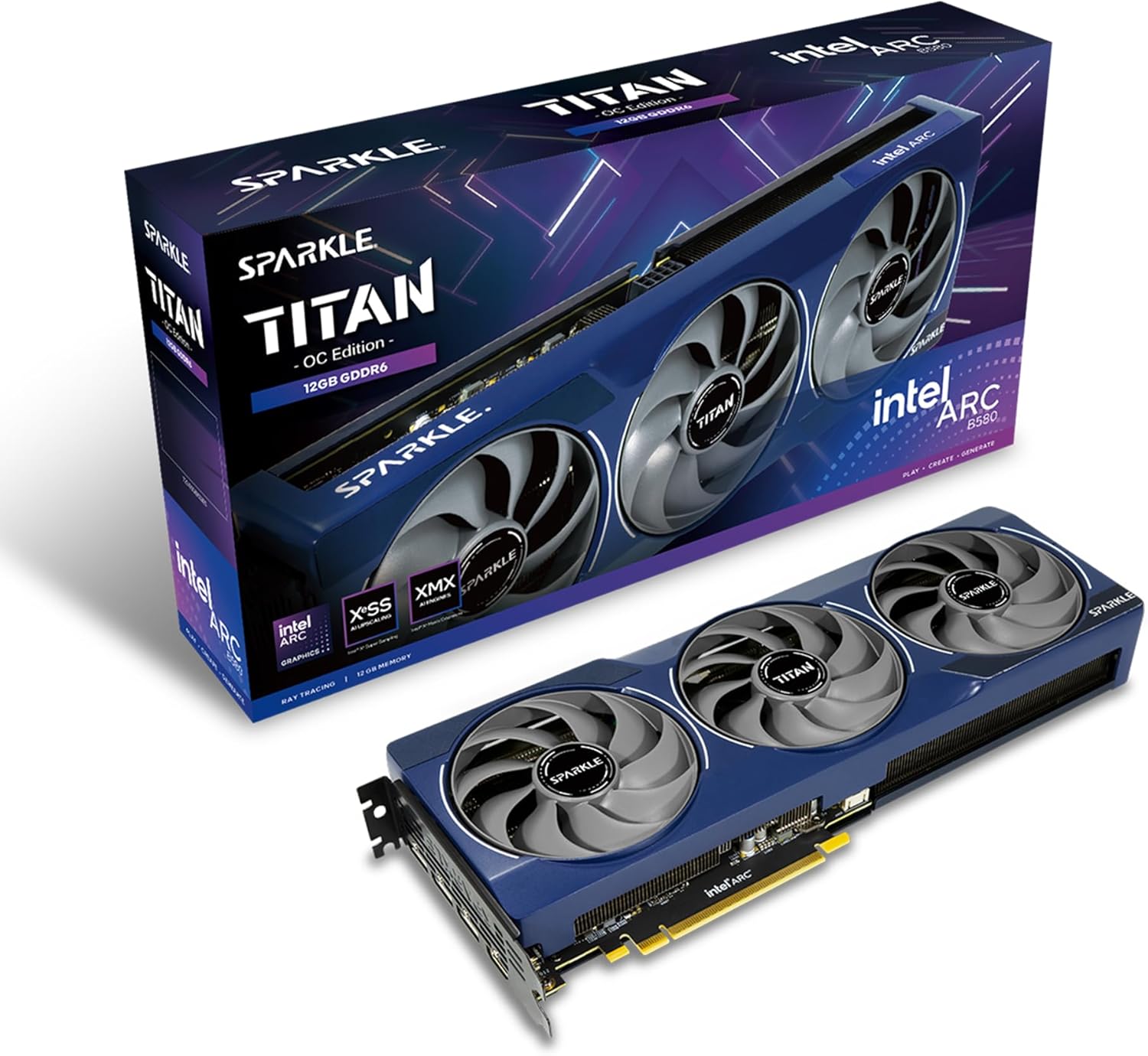
#77. Intel Arc B580
Best for: Budget 1080p gaming builds · Price: Budget
Intel's Arc B580 is the most affordable graphics card we'd recommend for modern games. It brings 12GB of VRAM to a price where rivals offer 8GB, and handles 1080p at high settings with ease.
| Architecture | Xe2 (Battlemage) |
|---|---|
| VRAM | 12GB GDDR6 |
| Memory bus | 192-bit |
| Total board power | 190W |
| Outputs | HDMI 2.1, DisplayPort 2.1 |
Pros
- 12GB of VRAM at an entry-level price
- Strong 1080p performance
- XeSS 2 upscaling and frame generation
Cons
- Needs Resizable BAR, so best in newer PCs
- Some older games run less consistently
 #8
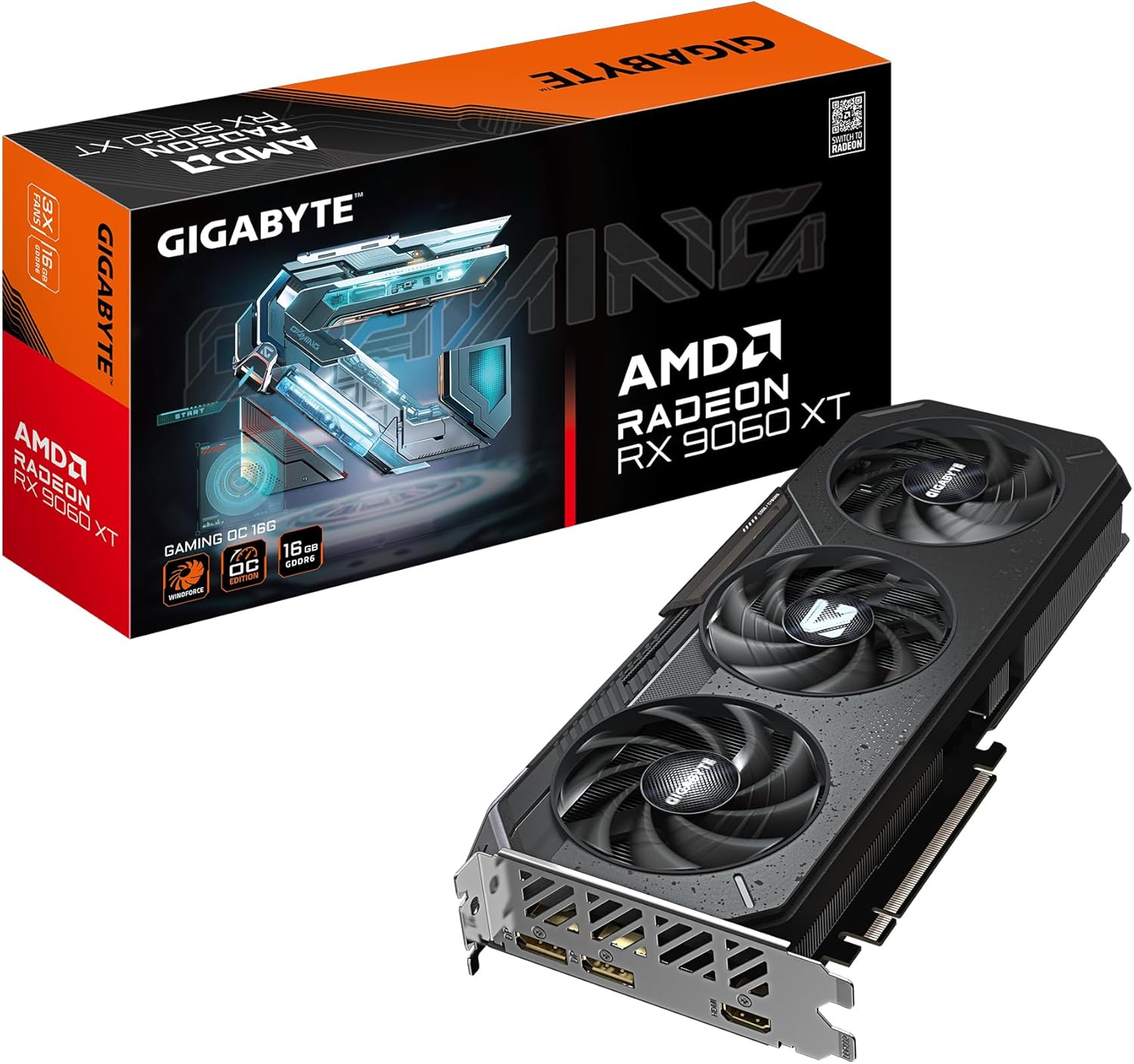
#88. Gigabyte Radeon RX 9060 XT 16GB
Best for: 1080p and 1440p gaming on a budget · Price: Budget
AMD's RX 9060 XT brings the RDNA 4 architecture and FSR 4 upscaling to a budget price. Pick the 16GB version and you get plenty of memory for 1080p and 1440p gaming for years to come.
| Architecture | RDNA 4 |
|---|---|
| VRAM | 16GB GDDR6 |
| Memory bus | 128-bit |
| Total board power | 160-182W (model dependent) |
| Outputs | HDMI 2.1b, DisplayPort 2.1a |
Pros
- 16GB of VRAM at a budget price
- FSR 4 upscaling looks excellent
- Efficient and quiet
Cons
- An 8GB version is sold under the same name
- Narrow 128-bit memory bus
How to choose graphics cards
Match the card to your monitor
A 1080p display rarely needs more than a mid-range card. 1440p high-refresh is the sweet spot for the RTX 5070 / RX 9070 tier, and 4K is where the flagship cards earn their price.
Don't skimp on VRAM
Modern games increasingly use more than 8GB of video memory at high settings. 12GB is a comfortable minimum for 1440p; 16GB gives you headroom for years.
Check your power supply
High-end cards can draw 300W or more and may need the 12V-2x6 connector. Check your PSU wattage and cables before you buy.
Measure your case
Triple-fan cards can exceed 330mm in length. Check your case's GPU clearance on the manufacturer's spec sheet.
Our scores are editorial ratings based on specifications, pricing and published performance data. Rankings reflect popularity among UK buyers and our assessment of value.